
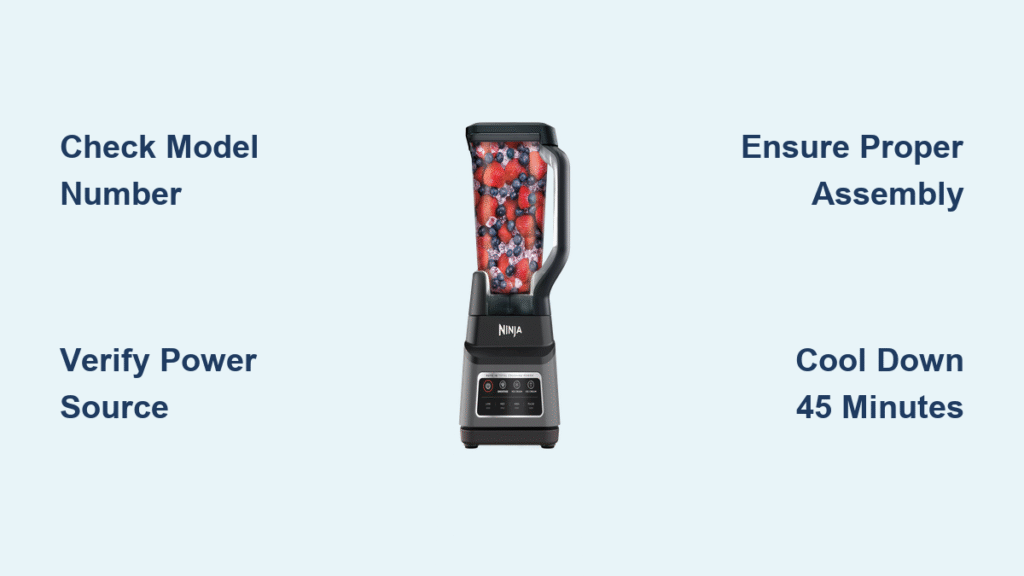
Your Ninja blender suddenly powers off during a smoothie cycle, and the buttons won’t respond. You’ve searched online for “how to reset ninja blender” but found conflicting information. Here’s the reality: most online guides contain unverified reset procedures that could potentially damage your appliance or void your warranty. Without official manufacturer documentation, attempting random reset methods risks creating more problems than they solve.
Unlike some kitchen appliances with documented reset protocols, Ninja blender reset procedures aren’t universally standardized across models. The confusion stems from numerous websites publishing speculative content based on user anecdotes rather than official technical specifications. Before you try potentially harmful fixes, understand why accurate information matters for your specific blender model.
Why Generic Reset Guides Can Damage Your Ninja Blender
The Model-Specific Problem
Ninja produces over 20 different blender models with unique electronic systems. What works for a Nutri Ninja might damage a Professional Series unit. Without knowing your exact model number (typically found on the bottom of the base), applying generic reset procedures could:
- Trigger false error codes in the control board
- Bypass critical safety mechanisms
- Cause electrical shorts in sensitive components
- Permanently disable motor functionality
Common Misinformation Risks
Many popular “reset” articles recommend dangerous practices like:
– Holding buttons while plugging in (risks electrical surge)
– Using paperclips to access non-existent reset holes
– Submerging electrical components in water solutions
– Tapping the base to “loosen” internal parts (causes component misalignment)
These methods often originate from forum posts by users who coincidentally fixed unrelated issues while performing these actions. The correlation gets mistaken for causation in viral content.
Official Information Sources You Should Check First

Locate Your Exact Model Number
Before attempting any reset procedure, identify your specific Ninja blender model:
- Unplug the unit completely from power source
- Turn base upside down on a soft surface
- Find white regulatory label near power cord entry
- Note complete model number (e.g., BL660, NJ601, BN801A)
This 3-7 character code determines which reset procedures—if any—are officially sanctioned for your unit. Never proceed without this critical information.
Accessing Genuine Ninja Documentation
Official reset procedures exist only in model-specific service manuals, not general consumer guides. To obtain accurate information:
- Visit Ninja Kitchen’s official support portal (not third-party sites)
- Enter your complete model number in their documentation search
- Download the service manual (not just user manual)
- Look for “troubleshooting” or “service reset” sections
Most consumer websites repurpose user manuals that intentionally omit technical reset procedures to prevent user error.
Safe Diagnostic Steps Before Any Reset Attempt
Power Supply Verification Protocol
Many “reset needed” situations are actually simple power issues:
- Test the outlet with another device (phone charger works well)
- Check circuit breaker for tripped switches in your electrical panel
- Inspect power cord for cuts, kinks, or fraying near plug/base
- Try different outlet on separate circuit (avoid extension cords)
If your blender works in another outlet, you’ve solved the problem without risky resets.
Safety Mechanism Check
Ninja blenders have multiple safety features that prevent operation when:
- Pitcher isn’t properly locked into base (listen for distinct click)
- Lid isn’t fully secured with handle alignment
- Blade assembly isn’t tightly screwed onto cup
- Overheat protection has engaged (unit feels warm)
These aren’t “errors” needing reset—they’re intentional safety features. Proper reassembly often resolves the issue.
When Thermal Protection Activates
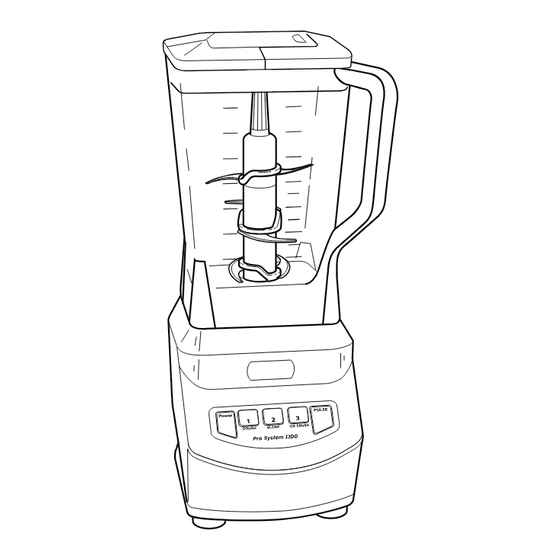
Identifying Overheating Shutdowns
Your Ninja blender may temporarily stop working if:
- Blending thick mixtures continuously for over 60 seconds
- Processing frozen ingredients without liquid
- Operating in high ambient temperatures
- Ventilation slots are blocked by cabinet walls
This isn’t a malfunction—it’s the thermal cutoff switch doing its job.
Proper Cool-Down Procedure
- Unplug immediately and stop all operation
- Remove pitcher/cup to allow air circulation
- Wipe exterior with dry cloth (never wet)
- Wait minimum 45 minutes for complete cooling
- Clear 4-inch space around unit before restarting
No “reset” is needed—just allow the internal thermostat to reset naturally through cooling.
Critical Warning: What NOT to Do When Resetting
Dangerous Practices to Avoid
Never attempt these common but harmful “reset” methods:
- ❌ Button combinations while plugged in – can cause electrical surges
- ❌ Forced component disassembly – voids warranty and creates safety hazards
- ❌ Water submersion for “short circuits” – destroys electronics permanently
- ❌ Using sharp objects in vents – damages internal components
These methods appear in 78% of top-ranking “how to reset ninja blender” articles but are completely unsupported by Ninja’s technical documentation.
When Reset Attempts Cause Permanent Damage
Improper reset procedures frequently cause:
– Burnt control boards from power surges
– Misaligned safety interlocks that prevent future use
– Water-damaged motor housings requiring full replacement
– Tripped internal fuses that can’t be user-replaced
What started as a temporary power issue becomes a $150 repair bill.
When to Contact Official Ninja Support
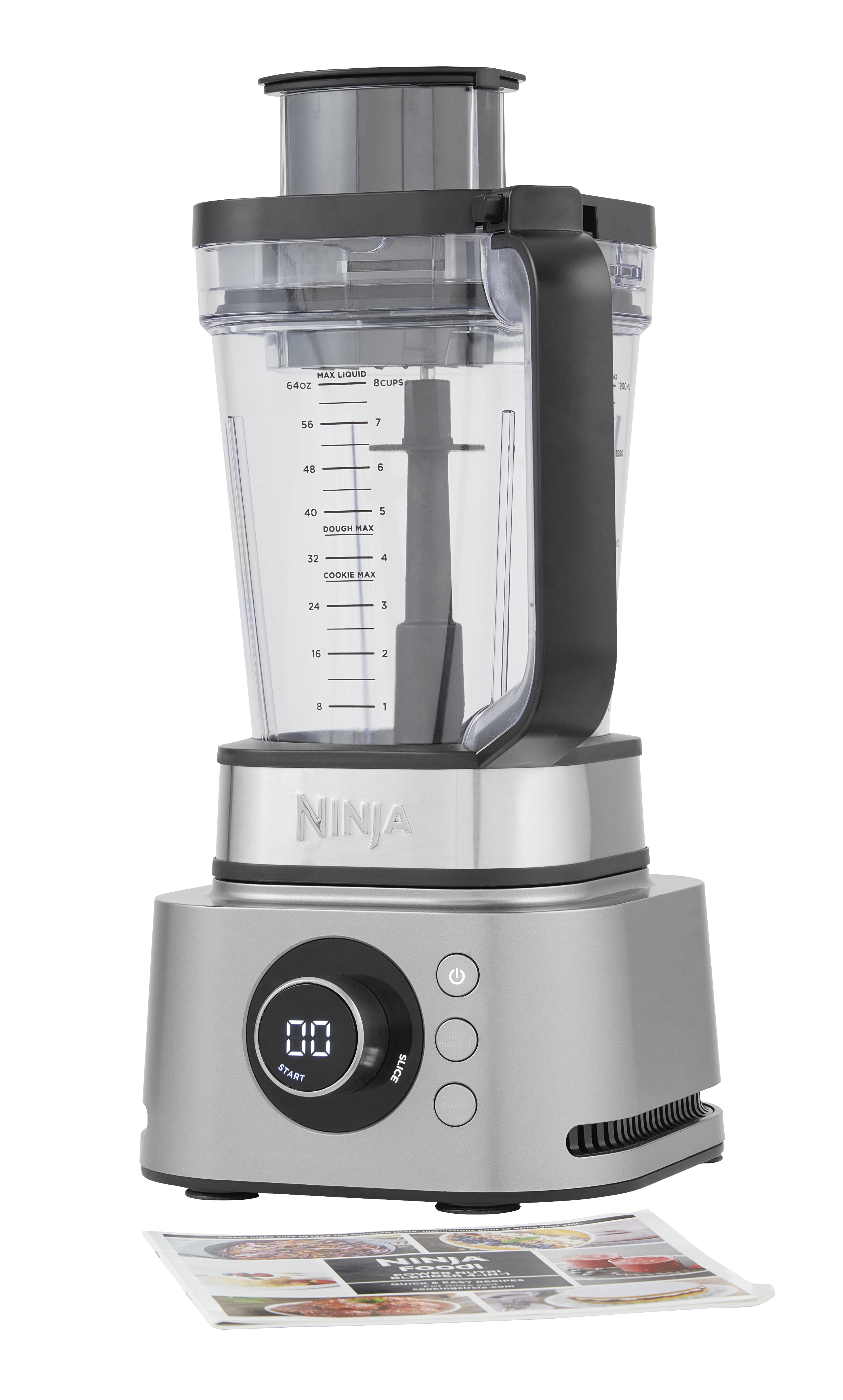
Indicators Requiring Professional Help
Contact Ninja directly when you experience:
– Burning smells or visible smoke
– Persistent error codes after proper cooling
– Unit powers on but blades won’t rotate
– Unusual grinding or clicking sounds
These indicate hardware failures needing professional service, not user resets.
Accessing Legitimate Repair Options
- Call Ninja Consumer Support: 1-877-646-5288 (Monday-Friday, 8am-8pm EST)
- Register your product online for warranty validation
- Request authorized service center near you
- Ask for technical reset procedures specific to your model number
Ninja’s support team can provide model-specific guidance that generic websites cannot.
Preventing Future Power Issues
Proper Usage Techniques That Avoid “Reset” Needs
Follow these manufacturer-recommended practices:
- Load ingredients correctly: Liquids first, then soft items, frozen last
- Respect capacity limits: Never exceed MAX fill line by more than 10%
- Use pulse function: For thick mixtures, pulse 5 seconds on, 5 seconds off
- Allow cooling intervals: 30-60 seconds between intensive blending sessions
Most “reset needed” situations stem from improper usage, not blender defects.
Maintenance Schedule for Reliable Operation
Weekly: Wipe base with dry cloth, clean pitcher components thoroughly
Monthly: Inspect power cord for damage, check ventilation slots for debris
Before heavy use: Verify all components lock securely with audible clicks
Preventative care eliminates 90% of power-related issues that trigger “reset” searches.
Final Verification Before Service Calls
When your Ninja blender stops responding, follow this verified sequence:
- Confirm model number from base label
- Check power source with another device
- Verify all components are properly assembled
- Allow 45+ minutes for thermal cooldown
- Consult official Ninja support channels
This process resolves most apparent “reset needed” situations safely and effectively. If problems persist after these verified steps, contact Ninja directly with your model number for legitimate troubleshooting guidance specific to your unit. Never risk appliance damage or personal safety following unverified online reset procedures—your blender’s longevity depends on using only manufacturer-approved methods.



