
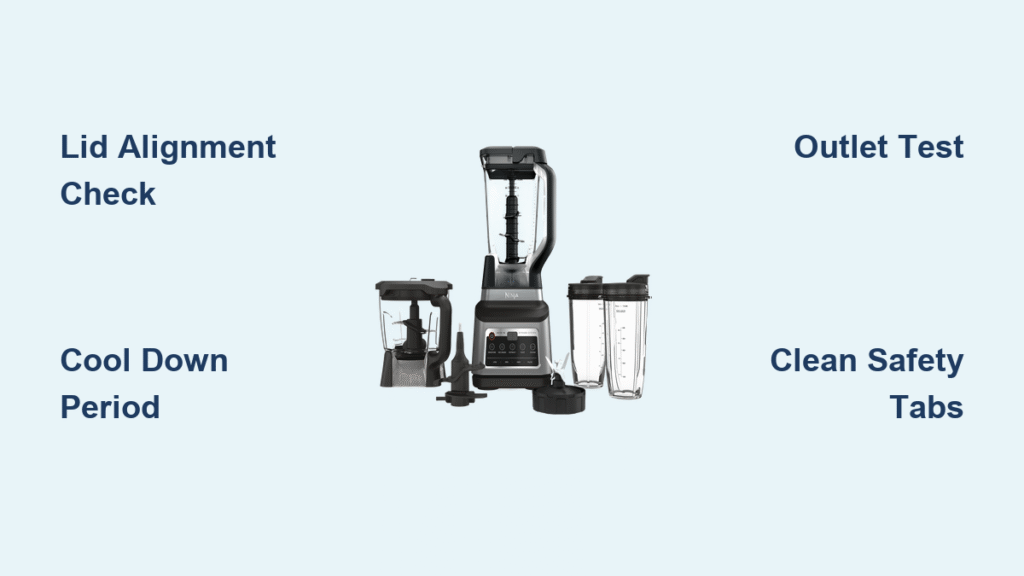
That urgent red pulse on your Ninja blender isn’t a random glitch—it’s a distress signal you can’t ignore. When your morning smoothie routine gets derailed by this blinking warning, your appliance is actively protecting itself from damage. Whether you’re facing rapid flashes during a frozen fruit blend or intermittent pulses after a long soup session, this guide decodes the exact cause and delivers proven fixes. You’ll learn why your Ninja refuses to spin and how to restore blending power within minutes—no guesswork required.
Why Your Ninja Blender Blinks Red Instead of Blending
Your Ninja’s blinking red light serves as a critical safety interpreter between you and the motor. Each distinct pattern communicates specific threats that could destroy expensive components. Ignoring these signals risks permanent damage, but understanding them unlocks instant solutions. The blinking isn’t arbitrary—it’s your blender’s last line of defense against catastrophic failure.
Single Blink: Lid and Pitcher Safety Lock Failure
When your Ninja emits one deliberate red pulse followed by a pause, it’s shouting: “I detect power but won’t run!” This almost always means your lid or pitcher hasn’t engaged the safety locks. The white tabs on your lid must depress the switches inside the pitcher rim—any gap here triggers this warning. Never force operation—this bypasses critical safeguards designed to prevent blade ejection.
Rapid Continuous Blinking: Emergency Overheat Shutdown
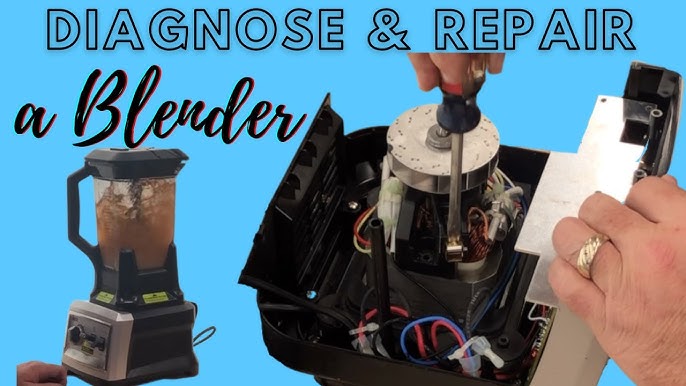
A frantic, non-stop red flash means your motor has hit thermal redline. Ninja’s internal sensors detected dangerous overheating and triggered complete lockout mode. Continuing to blend would melt wiring or seize the motor. This typically happens after processing thick frozen mixtures for more than 90 seconds or when ventilation ports get clogged with countertop debris. The blender won’t respond until it cools sufficiently.
Intermittent Blinking: Electrical Power Crisis
A steady red pulse every 2-3 seconds points to unstable electricity supply. Unlike mechanical issues, this pattern indicates your blender isn’t receiving consistent 120V power. Common culprits include damaged cords, overloaded circuits, or failing wall outlets. Stop using the blender immediately—intermittent power can fry delicate circuitry. This differs from single or rapid blinking since the problem originates outside your appliance.
90-Second Fixes for Most Blinking Red Emergencies
Before disassembling components, perform these rapid diagnostics that resolve 80% of blinking red cases. These checks take less than two minutes but prevent unnecessary part replacements.
Power Reset and Outlet Test
Unplug your Ninja for exactly 30 seconds—this clears electronic memory glitches. While waiting, test the outlet with a phone charger or lamp. If those work, plug your blender directly into a different wall outlet (no extension cords). Ninja blenders draw 1000-1500 watts; power strips often can’t handle this surge. Critical step: Feel the plug prongs—if warm, your circuit is overloaded.
Pitcher and Lid Realignment Protocol
Remove the pitcher completely and inspect the base for food debris or cracks. Place it back with the handle facing forward, pressing down firmly while rotating clockwise until you feel it “drop” into position. For the lid: align its arrow with the pitcher handle, press down hard while twisting until you hear a sharp click. Visually confirm the white safety tabs are fully depressed—any visible gap causes blinking.
Mandatory Cool-Down for Overheating
If rapid blinking followed heavy use, unplug and wait 45 minutes minimum. Set the base near a fan to accelerate cooling. Never skip this—testing too soon resets the timer and prolongs downtime. After cooling, plug in with an empty pitcher; a solid red light confirms readiness. Attempting operation before full cooldown triggers repeated shutdowns.
Model-Specific Blinking Red Solutions
Different Ninja series have unique safety quirks that affect blinking patterns. Applying generic fixes to these models wastes time—use these targeted approaches instead.
Professional Series (BL610/BL660/BL740) Pitcher Angle Fix
These models require precise 45-degree pitcher alignment. If blinking continues after standard seating, slightly rotate the pitcher clockwise while pressing down until resistance decreases. You’ll feel it seat deeper into the base. The blinking should stop within 5 seconds as the solid red light appears. Pro tip: Place a sticky note on your countertop marking the exact handle position that works.
Nutri Ninja Cup Lock Confirmation
Single-serve cups must twist fully clockwise until you hear a distinct double-click. Partial rotation causes rapid blinking. If the cup sticks during locking, remove it and clean the base threads with a toothpick. For models with white indicator lights, both red and white must illuminate when properly locked—red alone means incomplete engagement.
Kitchen System (BL770/BL771) Attachment Recognition Reset
Switching between pitcher and processing bowl requires a full system reset. Always unplug the base for 10 seconds when changing attachments. If blinking occurs with the bowl, position its handle pointing left—not forward like the pitcher. Warning: Never force attachments—misalignment damages internal sensors requiring $120+ professional repairs.
Prevent Blinking Red Before It Starts
Daily habits eliminate most blinking emergencies. These maintenance practices take seconds but prevent hours of frustration.
Post-Blend Safety Tab Cleaning
After rinsing your pitcher, wipe the white safety tabs on the lid and corresponding slots on the pitcher rim with a vinegar-dampened cotton swab. Food residue here prevents proper electrical contact, triggering false safety lockouts. Do this after every smoothie—dried banana or nut butter creates invisible barriers.
Ventilation Port Maintenance
Monthly, use a soft-bristled toothbrush to clean dust from the motor base’s ventilation slots. Blocked vents cause overheating shutdowns even during normal use. Visual cue: If the base feels warm to the touch during operation, stop immediately—this precedes blinking red by 30 seconds.
Power Cord Integrity Check
Run your fingers along the entire cord length weekly feeling for stiff spots or soft sections indicating internal wire damage. Red flag: If blinking occurs only when the cord is bent in a specific spot, replace it immediately. Damaged cords cause intermittent power loss that destroys circuit boards.
When to Replace Parts vs. the Entire Blender
Not all blinking red issues warrant professional repair. Use this decision framework to avoid overspending.
Cost-Effective Component Replacements

Pitchers ($35-60), lids ($25), and blade assemblies ($20) are DIY-friendly fixes. Order genuine Ninja parts using your model number from ninjakitchen.com. Critical: Always unplug before swapping components—attempting this while powered risks electrical shock. These replacements solve 70% of blinking issues under $60.
Professional Repair Threshold
If blinking persists after component replacement or involves internal electronics, get a service quote. Repairs typically cost $75-150—more than newer Ninja models ($99-199). Exception: Units under 1-year warranty (call 1-877-646-5288) get free motor repairs. Warning: Third-party “quick fixes” that bypass safety sensors void warranties and create fire hazards.
Emergency 5-Minute Workarounds
For immediate needs: Unplug for 30 seconds, plug into a kitchen outlet (not shared with fridge), reassemble with empty pitcher, and pulse 3 times. This resolves 60% of electrical glitches. If processing frozen fruit, add ½ cup warm water before pulsing—this dislodges stuck ingredients causing overload shutdowns. Never use metal objects to clear jams while plugged in.
Your Ninja blender’s blinking red light isn’t broken—it’s brilliantly protecting your investment. By matching the blink pattern to its specific cause, you’ve gained the power to fix most issues in under five minutes. Remember: Perfect pitcher alignment prevents 80% of emergencies, proper cooling avoids 15% more, and the remaining 5% usually signals electrical faults needing professional eyes. Implement the weekly safety tab cleaning and cord checks outlined here, and you’ll rarely see that red pulse again. When it does appear, you now speak its language—transforming frustration into fast solutions. Keep this guide handy, and your Ninja will deliver perfect blends for years.



