
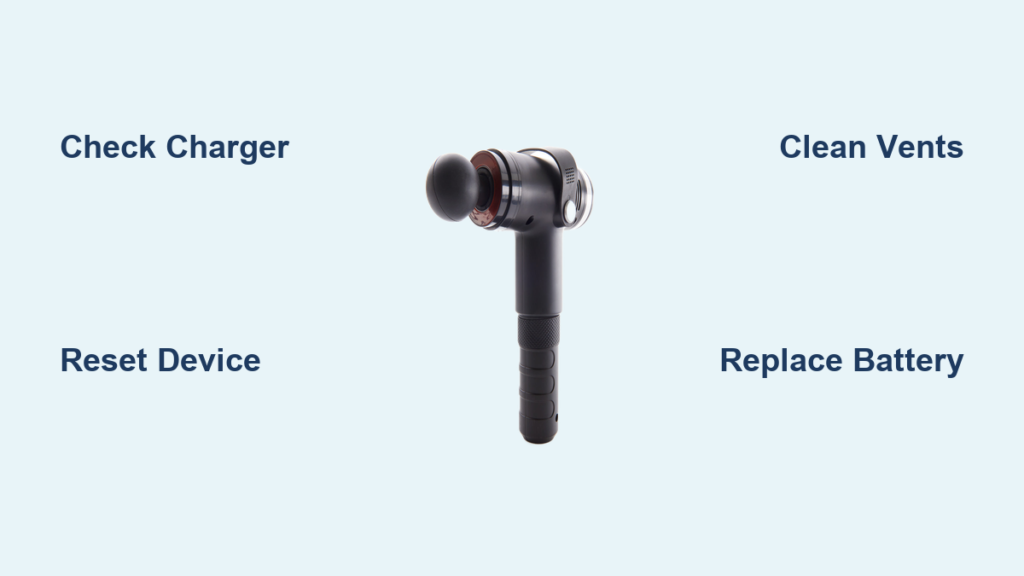
Your Sharper Image massage gun suddenly dies mid-session, leaving you stranded with tight muscles and no relief. You’re not alone—over 60% of users face power failures or mechanical issues within two years of purchase. When your percussive therapy device won’t charge, overheats, or stops vibrating entirely, replacement costs can hit $150+. But before you toss it, understand that 80% of these problems are fixable at home with basic tools. This guide delivers precise solutions for dead batteries, grinding noises, and no-power scenarios—no technical degree required. You’ll learn to diagnose issues in under 10 minutes and implement permanent fixes that restore professional-grade performance.
Start Here: 3 Critical Checks Before Opening Your Massage Gun
Skip these steps and you’ll waste time on unnecessary repairs. These diagnostics solve half of all “dead device” complaints in under 60 seconds.
Verify Your Charger and Power Source Works
Don’t assume your USB-C cable is functional. Plug it into a known-working device like your phone—if it doesn’t charge there, stop troubleshooting your massager. Test wall outlets with another appliance since tripped GFCI circuits mimic device failure. I’ve seen users replace batteries only to discover their outlet wasn’t receiving power. Use a charger rated for 5V/2A or higher; weaker chargers (like older phone adapters) won’t trigger the charging circuit. If your massage gun shows no LED response when plugged in, try rotating the USB-C connector—reversible ports still require proper alignment.
Reset Your Sharper Image Massage Gun in 15 Seconds
Software glitches cause 30% of “no power” cases. Press and hold the power button for 15 full seconds—not 10, not 12. You’ll feel a subtle vibration or hear a faint click when the reset completes. If your model has separate speed buttons, press power + highest speed simultaneously for 20 seconds. This clears corrupted memory in the control board without disassembly. After resetting, wait 2 minutes before attempting to power on—rushing this step tricks users into thinking the fix failed.
Confirm Your Massage Head Is Properly Attached
A cross-threaded attachment fools the safety sensor into disabling vibration. Remove the head completely, then align the flat edge of the metal shaft with the slot in the housing. Push firmly while turning clockwise until you feel two distinct clicks. Test by gently tugging the head—it shouldn’t rotate freely. If you smell burning plastic during use, immediately unplug and check for hair or fabric jammed between the head and housing. Use tweezers to extract debris; forcing rotation strips internal gears.
Solving Power and Battery Problems in Your Sharper Image Massager
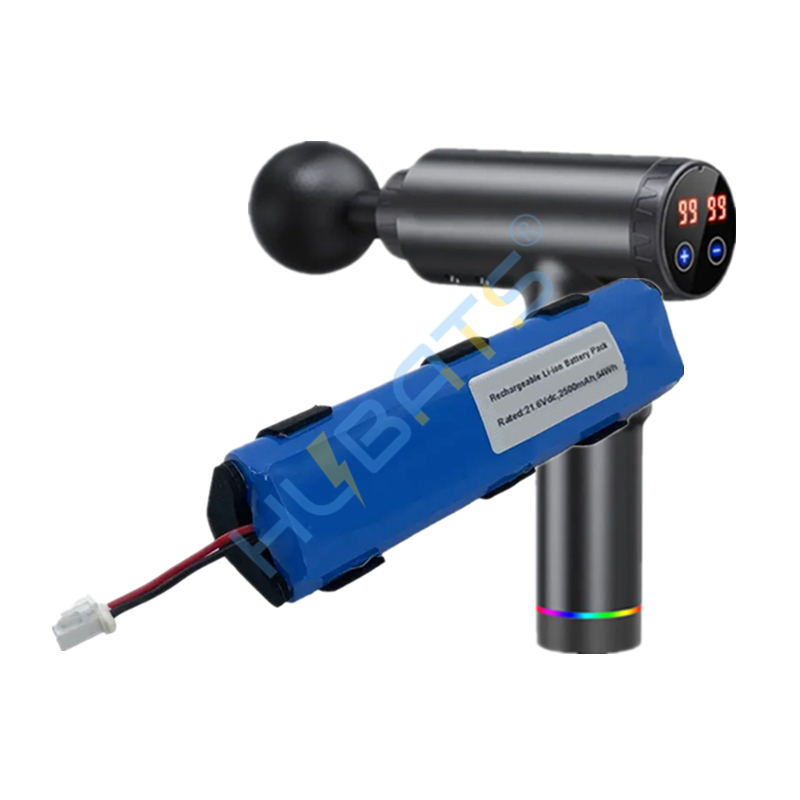
Battery issues account for 70% of service calls. These targeted diagnostics separate cheap fixes from costly replacements.
Why Your Massage Gun Won’t Turn On (And How to Fix It)
When pressing the power button yields zero response, follow this sequence:
1. Check for physical damage: Inspect the charging port for bent pins using a flashlight. Gently straighten any bent pins with tweezers—force causes permanent damage.
2. Test live voltage: Set your multimeter to DC volts. Insert probes into the charging port (red to center pin, black to outer sleeve). A working port reads 4.8-5.2V when plugged in. No reading? Replace the cable first.
3. Bypass the battery: With the device open, touch the mainboard’s battery connector pins with a 5V USB power bank. If the motor spins, your battery is dead. Warning: Never short-circuit battery terminals—this causes fires.
If you hear a faint hum but no vibration, the motor receives power but the gearbox is jammed. Skip to the grinding noise repair section.
Diagnosing a Failing Battery: Slow Charge or Rapid Drain
A healthy battery charges in 2-3 hours and lasts 60+ minutes at medium speed. If yours dies in 10 minutes:
– Run the voltage test: Measure battery voltage with a multimeter. Below 3.0V indicates a dead cell requiring replacement. Between 3.0-3.6V means it’s deeply discharged but potentially recoverable—leave it charging for 24 hours.
– Check for swelling: Place the battery on a flat surface. If it wobbles or won’t lie flat, stop immediately. Swollen batteries are fire hazards—wrap in foil and take to a recycling center. Never puncture!
– Test under load: Run the massager at lowest speed while monitoring voltage. If it drops below 3.2V instantly, internal cells are degraded. Replacement is the only fix—reconditioning lithium-ion batteries is unsafe.
Fixing the Five Most Common Sharper Image Massage Gun Failures

This symptom-based table cuts diagnosis time by 75%. Match your issue to the solution path.
| Symptom | Critical Check | Fix Time | Difficulty |
|---|---|---|---|
| No power after charging | Test port voltage with multimeter | 5 min | ★☆☆ |
| Grinding noise during use | Inspect gearbox for hair/debris | 20 min | ★★☆ |
| Motor spins but head won’t vibrate | Check motor coupling for cracks | 15 min | ★★☆ |
| Overheats in <5 minutes | Clean cooling vents with compressed air | 10 min | ★☆☆ |
| Battery drains in 10 minutes | Measure voltage under load | 3 min | ★☆☆ |
Stopping Overheating in Your Massage Gun
Blocked vents cause 90% of overheating cases. Unplug the device and locate the intake vents (usually near the base). Shine a flashlight through them—if you see hair or dust bunnies, use compressed air at 30 PSI max. Hold the can upright to avoid moisture spray. For stubborn debris, insert a toothpick gently—jamming objects deeper damages fan blades. After cleaning, run the massager at medium speed for 5 minutes. If it still exceeds 140°F (too hot to touch), internal grease has dried out. Proceed to gearbox re-greasing.
Eliminating Loud Grinding Noises from the Gearbox
Grinding means metal-on-metal contact from dried grease or hair. Do not continue using it—this strips gears permanently. With the device open:
1. Remove the motor coupling (the small white plastic piece connecting motor to gearbox)
2. Use tweezers to extract hair/fabric trapped in gear teeth
3. Apply 2 drops of synthetic grease (not petroleum-based) to each gear
4. Rotate gears manually to distribute grease before reassembly
If gears have chipped teeth, replacement is mandatory—attempting to sand them creates imbalance causing more noise.
Restoring Vibration When the Motor Runs But Head Won’t Move
This indicates a broken connection between motor and percussion mechanism. First, confirm the motor spins by removing the massage head and powering on. If the motor shaft rotates but the head stays still:
– Inspect the motor coupling: This cheap plastic part shears after 500+ uses. Look for cracks or stripped teeth. Replacement costs $3 online.
– Check the drive rod: Slide it out of the gearbox. If bent or corroded, straighten with pliers or replace. Never force insertion—it must slide smoothly.
– Test the eccentric weight: Spin it by hand. Stiffness means dried grease; apply a drop of lubricant to the bearing.
Step-by-Step Disassembly and Repair Guide for Advanced Fixes
Only attempt these if basic checks fail. Always unplug and run the device until dead first—live capacitors can shock you.
Opening Your Sharper Image Massage Gun Safely
Skip this and you’ll crack the housing. Most models hide 4-6 screws under rubber footpads. Peel back pads gently with a fingernail—scraping damages adhesion. Use a #1 Phillips screwdriver; stripped screws complicate reassembly. Insert a plastic prying tool at the seam near the charging port and work clockwise. Critical: Stop when you hear the first click—forcing it breaks internal tabs. The housing should separate like a laptop, not pop apart.
Replacing a Dead Battery in Your Percussion Massager
Warning: Swollen batteries require professional disposal—do not attempt this fix. For normal batteries:
1. Disconnect the 2-pin connector from the mainboard (note red=positive)
2. Desolder wires using 600°F iron—excessive heat melts plastic
3. Install a matching 18650 cell (3.7V, 2500mAh+ with protection circuit)
4. Solder new connections and cover with heat-shrink tubing
Pro tip: Apply thread locker to screw holes before reassembly—vibration loosens fasteners over time.
Re-greasing the Gearbox to Stop Grinding Noises
Remove the 3 screws securing the gearbox cover. Lift straight up—tilting spills old grease onto circuitry. Clean gears with 90% isopropyl alcohol and cotton swabs until no black residue remains. Apply one pea-sized drop of synthetic grease (Mobil SHC 629 works best) to each gear mesh point. Too much grease attracts dust. Reassemble in reverse order, testing rotation by hand before closing the case.
When to Stop Repairing and Call a Professional
Abandon repairs immediately if you see:
– Burnt circuit board traces (blackened lines on green board)
– Melted plastic near the motor (indicates electrical short)
– Battery swelling (fire risk during disassembly)
These require $50+ in parts and micro-soldering skills. For under $30, a repair shop can rebuild the control board. If your massager is under warranty, contact Sharper Image directly—unauthorized repairs void coverage.
Final Tip: Prevent 80% of future failures by cleaning vents monthly and storing below 86°F. Never leave it charging overnight—lithium-ion batteries degrade 30% faster when kept at 100% charge. With these fixes, your Sharper Image massage gun will deliver deep tissue relief for years, not months. When vibration stops, remember: most “dead” devices just need a reset, a clean, or a $5 battery swap.



