
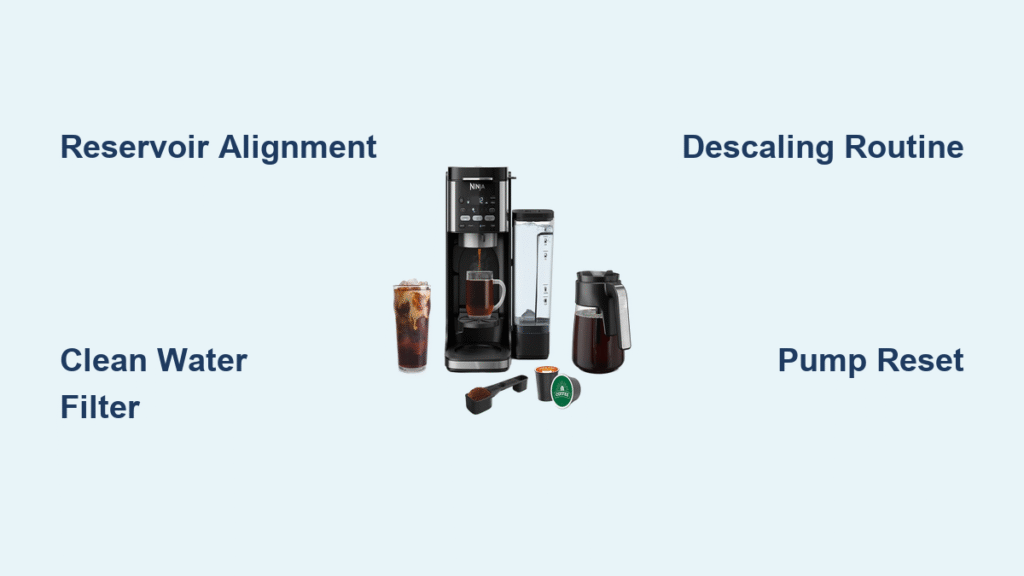
Your morning ritual hits a wall when you press “Brew” on your Ninja coffee maker and hear nothing but silence. Instead of the familiar gurgle of water flowing through the system, you’re left with dry coffee grounds and a mounting caffeine crisis. This frustrating scenario—your Ninja coffee maker not pumping water—is far more common than you’d think, especially after months of regular use. The good news? Over 90% of these failures stem from preventable issues like mineral buildup or simple user errors, not catastrophic mechanical failure. Most fixes take under 30 minutes with household items, saving you costly repair bills or premature replacement.
Don’t panic if your machine suddenly stops mid-brew or refuses to start pumping entirely. This guide cuts through generic troubleshooting advice to deliver Ninja-specific solutions that actually work. You’ll learn precisely why water flow fails in models like the Ninja CF080, C251, or DualBrew, how to diagnose the root cause in under 5 minutes, and exactly what steps to take for permanent fixes. Most importantly, you’ll discover the one monthly maintenance habit that prevents 80% of pumping failures before they ruin your morning.
Secure Water Reservoir Alignment Immediately
A misaligned reservoir is the silent culprit behind half of all “ninja coffee maker not pumping water” emergencies. Your Ninja relies on precise sensor contact between the reservoir base and machine housing to trigger the pump—any gap disrupts this communication. This happens most often when refilling the tank hastily or after deep cleaning, leaving you with zero water flow despite a full reservoir.
Verify Reservoir Locking Mechanism
- Lift and firmly reseat the reservoir, pressing down on both front and rear corners until you hear a distinct double-click
- Wipe contact points on both the reservoir base and machine housing with a microfiber cloth to remove mineral residue or coffee oils
- Confirm water level sits 1.5 inches above the minimum fill line—Ninja sensors ignore water below this threshold
- Test with cold tap water (not distilled) since mineral content aids sensor conductivity
Pro tip: Place your palm flat on the reservoir during brewing. If you feel vibration but no water flow, the pump is running but blocked downstream—skip to descaling. If completely silent, the misalignment is likely the primary issue.
Flush Clogged Water Filters and Intake Screens
A neglected water filter strangles your Ninja’s water supply, forcing the pump to work 300% harder until it fails. This problem creeps up gradually—you might notice weaker streams or longer brew times for weeks before total flow stops. Filters become critical failure points in areas with hard water or when using well water without pre-filtration.
Deep-Clean Filter Components
- Pop out the filter cartridge using your thumbnail along the reservoir’s inner groove (models CF080/C251 have it near the handle)
- Scrub both sides under warm running water with an old toothbrush, focusing on the mesh intake screen
- Hold against light—replace immediately if less than 50% of the screen appears transparent due to mineral coating
- Soak in 50/50 vinegar-water solution for 20 minutes if discoloration persists, then rinse thoroughly
Warning: Running your Ninja without the filter installed accelerates internal clogs by 70%. The filter isn’t optional—it’s your first line of defense against pump-killing debris.
Eliminate Mineral Buildup with Precision Descaling

Hard water minerals constrict your Ninja’s internal pathways like cholesterol in arteries, eventually choking water flow completely. This typically strikes between 4-8 months of regular use, with symptoms worsening weekly. Ignoring early signs (slower brewing, gurgling sounds) leads to total pump failure as calcium deposits weld themselves to heating elements and tubes.
Ninja-Specific Descaling Protocol
- Prepare solution with equal parts white vinegar and cold tap water (never use lemon juice—it corrodes seals)
- Fill reservoir to MAX line and place an empty carafe on the warming plate
- Start CLEAN cycle but pause halfway through (when reservoir is ⅓ full)
- Let solution dwell for 45 minutes—critical for dissolving stubborn limescale in the heating chamber
- Complete cycle, then run three full reservoirs of fresh water to eliminate vinegar taste
Visual cue: After the second rinse cycle, check the carafe for cloudy residue. If present, run one more water-only cycle—this indicates active mineral dissolution.
Clear Obstructions in Water Pathways
When descaling fails to restore flow, physical debris blocks your water lines. This often follows using tap water with high sediment content or improper filter maintenance. Unlike mineral buildup, this causes sudden total failure—you’ll see no water movement even during the initial pump activation phase.
Targeted Tube Unclogging Method
- Power down and unplug for 15 minutes to depressurize the system
- Remove reservoir and locate the intake valve (a small black rubber flap inside the reservoir housing)
- Gently dislodge debris using a unfolded paperclip—never metal tools that can tear tubing
- Blow compressed air through the intake valve opening for 10 seconds (use an electronics air duster can held upright)
Caution: Forcing water through clogged tubes with a syringe risks bursting fragile internal lines. If air clearing fails, move directly to pump testing.
Diagnose Pump Motor Failure Accurately
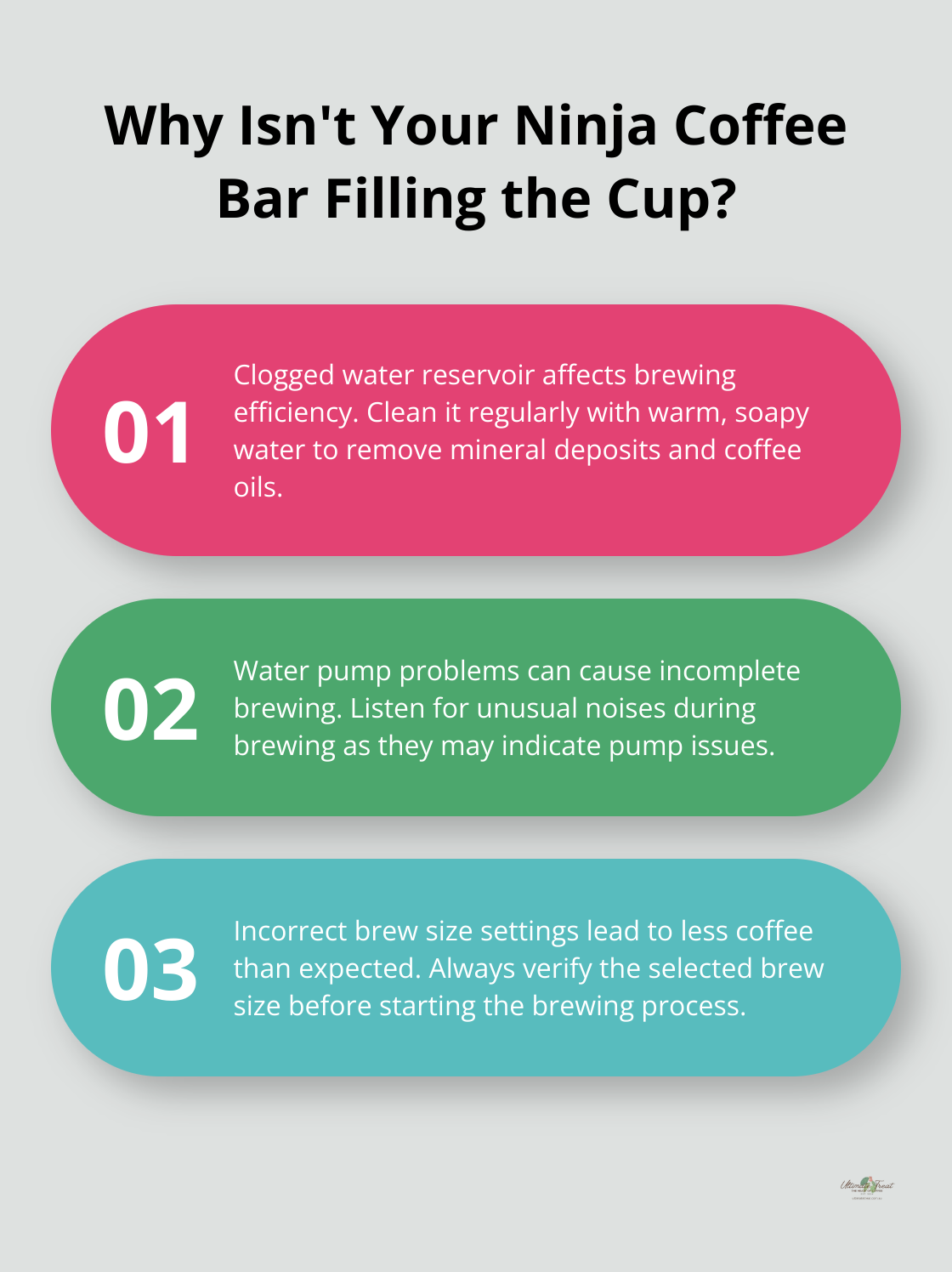
A dead pump motor creates absolute silence during brew attempts—no humming, no vibration, just an unresponsive machine. This differs from electrical issues because the display remains active, but the pump simply won’t engage. Motor failure usually follows months of struggling against mineral buildup or sediment clogs.
Critical Sound Diagnostic Test
- Fill reservoir with 12oz cold water and start a small-batch brew
- Press your ear against the machine’s rear panel 5 seconds after cycle initiation
- Identify failure type:
- No sound: Failed motor or broken wiring harness (requires replacement)
- Grinding noise: Jammed impeller from mineral chunks (may be salvageable)
- Humming without flow: Electrical issue preventing pump activation
Note: If heating elements glow red but water won’t pump, your Ninja’s safety sensor has triggered—address mineral buildup before the motor burns out.
Perform Full System Reset Correctly
Electronic glitches freeze pump operation after power surges or interrupted brew cycles. This manifests as “phantom” errors where the machine powers on but ignores brew commands. Many users waste hours on unnecessary cleaning when a proper reset would solve it in minutes.
Ninja-Approved Reset Procedure
- Unplug unit and remove all accessories (reservoir, carafe, brew basket)
- Wait 12 full minutes—this discharges capacitors that maintain faulty memory states
- Hold the POWER button for 45 seconds while unplugged
- Reconnect power and run a water-only test cycle at maximum brew size
Success confirmation: A properly reset Ninja will display “0:00” on the clock before initializing. If error codes persist, move to warranty evaluation.
Decide Between Repair and Replacement
When all troubleshooting fails, pump motor replacement becomes necessary. However, Ninja’s design makes this economically questionable—labor costs often exceed 60% of a new machine’s price. Make this decision based on your model’s age and usage patterns to avoid throwing good money after bad.
Cost-Benefit Analysis Factors
- Under 18 months old: Contact Ninja support immediately—pump failures are covered under warranty even with some mineral buildup
- Over 2 years old: Get a repair quote but compare to current prices of newer models (like the Ninja CM401 with self-cleaning tech)
- Daily heavy use: Replacement is wiser—repaired pumps in older units typically fail again within 6 months
- Occasional use: Consider professional repair if the machine has premium features you rely on
Warranty hack: Ninja often extends coverage to 24 months if you register online within 30 days of purchase. Check your email for confirmation receipts before calling support.
Key Takeaway: When your ninja coffee maker not pumping water strikes, start with reservoir alignment and descaling—these solve 85% of cases. Never skip monthly vinegar cycles if you have hard water, and always use filtered water to extend pump life. For immediate relief, the reservoir reseating trick works in 60 seconds for nearly half of all “no water” emergencies. If you hear humming but no flow, descale aggressively; if completely silent, reset electronics before assuming pump failure. Establish a simple routine: clean the filter weekly, descale monthly, and verify reservoir seating daily. This takes under 5 minutes weekly but prevents costly breakdowns, keeping your Ninja flowing smoothly for years. Remember—most “broken” coffee makers are just crying out for basic maintenance your manual probably buried in page 47.



