
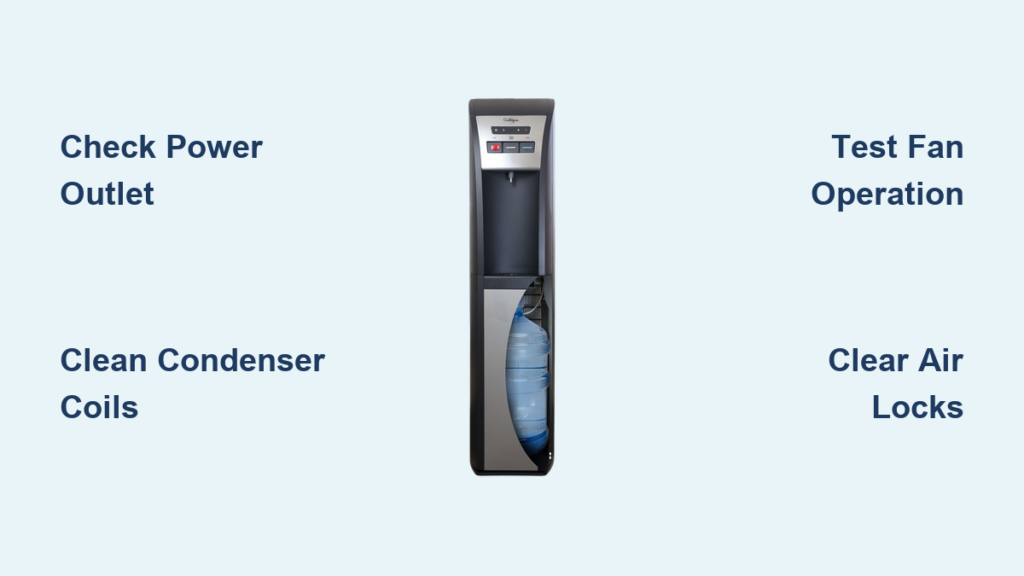
That sinking feeling when warm water gushes from your Culligan cooler instead of crisp, cold refreshment hits every office worker and homeowner alike. A Culligan water cooler not cooling derails your productivity and comfort, turning what should be a moment of relief into a frustrating puzzle. Whether you’re facing lukewarm water during a sweltering workday or dealing with inconsistent temperatures at home, this common issue demands immediate attention.
Ignoring a malfunctioning cooler isn’t just inconvenient—it risks damaging internal components through overheating. But before you resign yourself to expensive service calls, understand that 70% of cooling failures stem from preventable or easily fixable issues. This guide cuts through the confusion with actionable steps verified by Culligan’s technical protocols. You’ll learn how to diagnose compressor problems, clean critical components safely, and recognize when professional help is essential—saving you time, money, and unnecessary stress.
Confirm Electrical Power Is Reaching Your Cooler
Never assume power issues are too obvious to check. Faulty outlets or accidental unplugging cause more cooling failures than most users realize, wasting hours on complex troubleshooting when the solution is seconds away. Start here to avoid unnecessary disassembly.
Test Your Outlet with Another Device
Plug a lamp or phone charger directly into the same outlet your Culligan cooler uses. If it doesn’t power on, check your building’s circuit breaker panel for a tripped switch. Critical note: Never use extension cords with water coolers—they cause voltage drops that cripple compressor performance. If you must use one temporarily, choose a heavy-duty 14-gauge cord under 6 feet long and plug it directly into a wall outlet (not a power strip).
Locate and Activate Hidden Power Switches
Culligan models often hide power switches behind side panels or near the base grille—easily bumped to “Off” during cleaning. Run your hand along the unit’s lower perimeter to find this switch. While there, inspect indicator lights: A missing “Cool” LED (typically blue) confirms no cooling cycle initiation. If lights are dead but the outlet works, examine the power cord for fraying near the plug or entry point. A damaged cord requires immediate replacement for safety.
Diagnose Cooling System Failures Step by Step
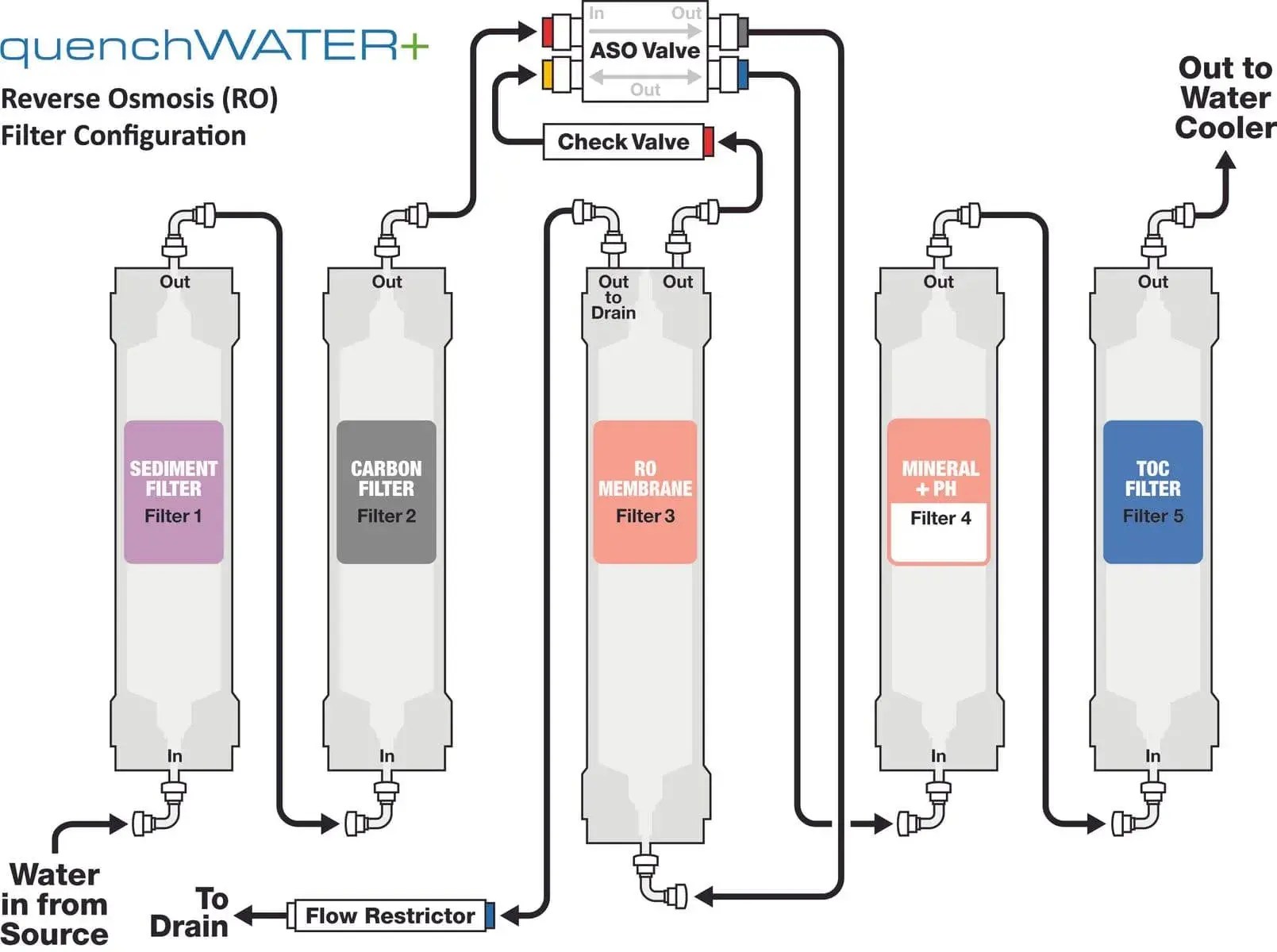
When power checks out, focus on components that directly regulate temperature. These systems work as an interconnected chain—failure at any link stops cold water production. Prioritize non-invasive checks before disassembly.
Clean Condenser Coils in Under 10 Minutes
Why this matters: Dust-caked coils force compressors to overwork, triggering thermal cutoffs that halt cooling. This is the #1 cause of gradual temperature loss. Unplug the unit and slide it away from walls. Locate the rear or base grille (consult your manual for exact access points). Remove the cover to expose black finned coils. Use a soft-bristle paintbrush to dislodge debris—never metal tools that bend fins. For stubborn grime, vacuum gently with a brush attachment held 2 inches from coils. Reassemble and wait 30 minutes before testing cooling.
Identify Critical Warning Sounds
Stand quietly near the cooler for 2 minutes after plugging it in. A healthy unit emits a low compressor hum within 60 seconds. These sounds mean trouble:
– Clicking every 30 seconds: Failing start relay
– Hissing/gurgling: Refrigerant leak (requires pro repair)
– Grinding noise: Compressor bearing failure
– Silence with warm cabinet: Tripped overload protector
If you hear buzzing without humming, the compressor is straining to start—likely due to dirty coils or failing components.
Verify Fan Operation and Obstructions
With the unit running, peer through the rear grille. The condenser fan must spin steadily. If motionless:
1. Unplug and remove the fan cover
2. Check for bottle caps, paper clips, or dust bunnies jamming blades
3. Manually spin the blade—if stiff or noisy, the motor needs replacement
Pro tip: Place your palm 6 inches from the grille. You should feel consistent airflow. Weak or hot air indicates fan failure.
Resolve Water Delivery System Issues
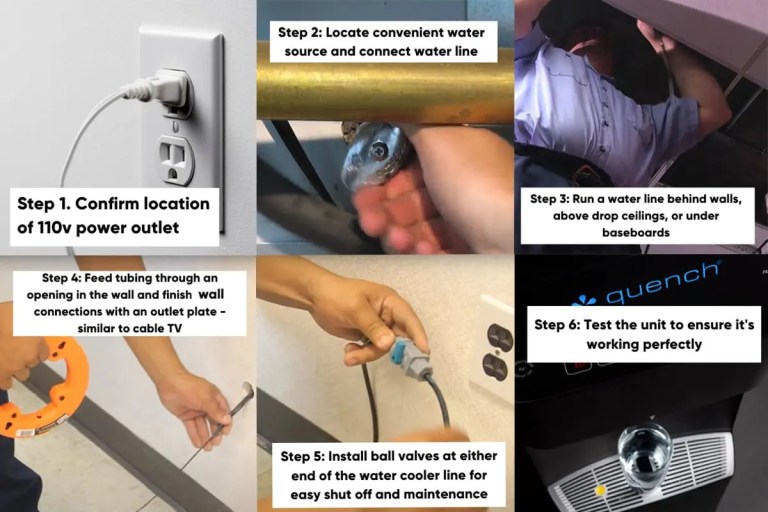
Cooling problems often trace back to water flow disruptions. Even minor obstructions trick sensors into disabling cooling cycles as a safety measure.
Secure Bottled and Bottleless Water Connections
For bottled models: Lift and reseat the 5-gallon bottle firmly until you hear a distinct “click” from the valve piercing mechanism. A misaligned seal causes air leaks that prevent proper water flow. For direct-plumbed units: Locate the under-sink shutoff valve and ensure it’s fully open (handle parallel to pipe). Trace the line to the cooler for kinks—especially behind desks or cabinets—and straighten gently without bending.
Clear Air Locks in Internal Lines
Air trapped in reservoirs mimics cooling failure by blocking cold water delivery. For bottled coolers: Remove the bottle, drain the reservoir through the spigot until empty, then reinstall the bottle. For bottleless models: Run the cooler continuously for 15 minutes to purge air pockets. If water flow remains weak, check for mineral buildup in the fill tube—soak it in vinegar for 1 hour if accessible per your manual.
Know When to Call Culligan Support Immediately

Some failures demand factory-trained technicians to avoid safety hazards or warranty voidance. Attempting DIY repairs on these issues risks electrical shock, refrigerant exposure, or permanent damage.
Critical Red Flags Requiring Professional Service
- Visible oil residue around copper lines (indicates refrigerant leak)
- Tripping circuit breakers when cooler starts
- Water pooling inside the cabinet (points to failed drain pan)
- Burnt smell from electrical components
- Warranty coverage (self-repairs void coverage)
Contact Culligan’s service team with your model number (stamped inside the door or on the base) for same-day dispatch in most regions. Describe the symptoms you documented during troubleshooting—this speeds up diagnosis.
Prevent Future Cooling Failures Proactively
Avoid recurring headaches with these manufacturer-endorsed maintenance habits. Consistent care extends cooler lifespan by 3-5 years while ensuring optimal performance.
Essential Monthly Maintenance Routine
- Coil cleaning: Dust condenser coils every 4 weeks in dusty environments
- Vent clearance: Maintain 8-inch clearance around all sides for airflow
- Bottle hygiene: Wipe bottle necks with alcohol before installation to prevent mold
- Power protection: Use a dedicated surge protector—not shared with microwaves or printers
Pro tip: Set phone reminders for seasonal maintenance. In summer, check coils weekly due to higher dust loads. During heavy pollen seasons, place a micro-mesh filter over rear vents (clean weekly).
Strategic Placement for Maximum Efficiency
Never position coolers in direct sunlight, near radiators, or against insulation-packed walls. The ideal spot has stable room temperatures between 60-85°F. Office units perform best 3+ feet from copiers or servers emitting heat. For bottleless models, insulate exposed water lines in unconditioned spaces to prevent ambient heat transfer.
A Culligan water cooler not cooling is rarely a hopeless situation. By methodically working through power verification, coil maintenance, and water system checks, you’ll resolve most issues within an hour. Remember that compressor failures and refrigerant leaks require certified technicians—don’t risk safety for a quick fix. When regular maintenance becomes routine, your cooler will deliver reliably cold water for years. Keep this guide handy for your next cooling crisis, and consider scheduling Culligan’s annual tune-up service to catch emerging problems before they leave you reaching for warm water.



