
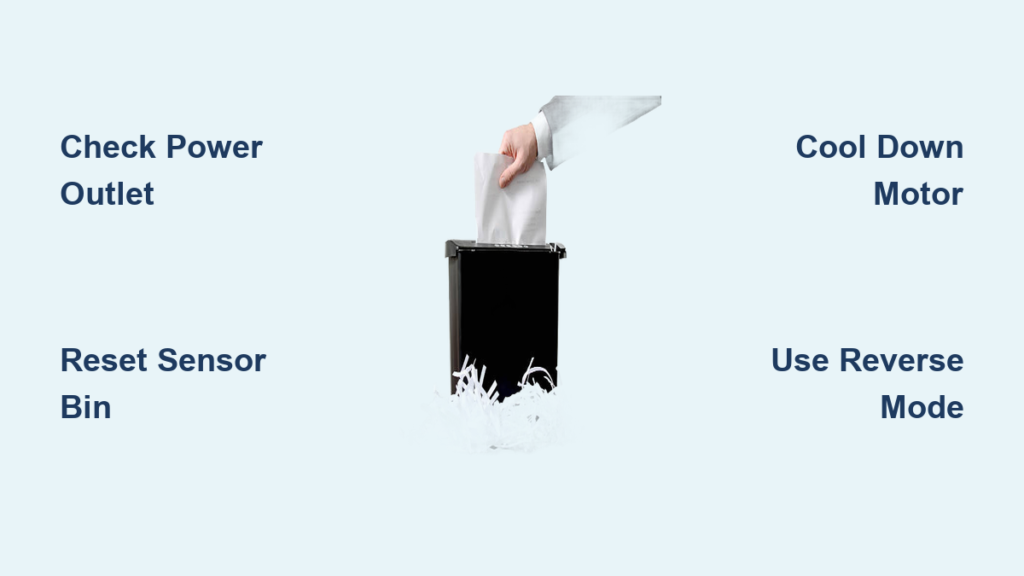
You’ve got sensitive documents piling up, hit the power button on your paper shredder, and… nothing. No reassuring hum, no indicator light, just silence. Before you write off your shredder as dead or rush to buy a replacement, take a breath. Over 80% of “paper shredder won’t turn on” issues stem from simple, fixable problems—not catastrophic failures. That frustrating silence is usually caused by overlooked safety sensors, paper jams masquerading as power failures, or temporary overheating that resolves with a 30-minute cooldown.
This isn’t just another generic troubleshooting guide. We’ll cut through the noise with specific, model-agnostic fixes that target the exact reasons your shredder refuses to power up. You’ll learn why pressing “Reverse” solves half of all “dead” shredders, where to find that elusive reset button on your specific model, and how to diagnose whether you’re dealing with a $5 lubrication fix or a $150 replacement decision. Most importantly, you’ll get your shredder back online without voiding warranties or risking injury.
Confirm Power Source and Outlet Functionality in 2 Minutes
Before disassembling anything, eliminate the most common culprits. Many “paper shredder won’t turn on” cases stem from easily overlooked power issues that take under 120 seconds to verify. Start by unplugging the unit completely—don’t just flip a switch. Test the outlet with a lamp or phone charger you know works. If that device powers on, your outlet is functional. Now inspect the shredder’s power cord for fraying, kinks, or chew marks near the plug ends. Even minor damage here can interrupt power flow.
Why your outlet might be lying to you:
Many homes have GFCI outlets that trip silently during power surges. Check bathroom and kitchen outlets—they often share circuits with home office equipment. If you find a tripped GFCI (with a popped center button), press it to reset. Also try plugging into a different circuit entirely—office equipment frequently shares circuits with space heaters or printers that overload them. If your shredder powers up elsewhere, you’ve identified a circuit problem, not a shredder failure.
Reset Bin Sensor and Head Latch in 60 Seconds
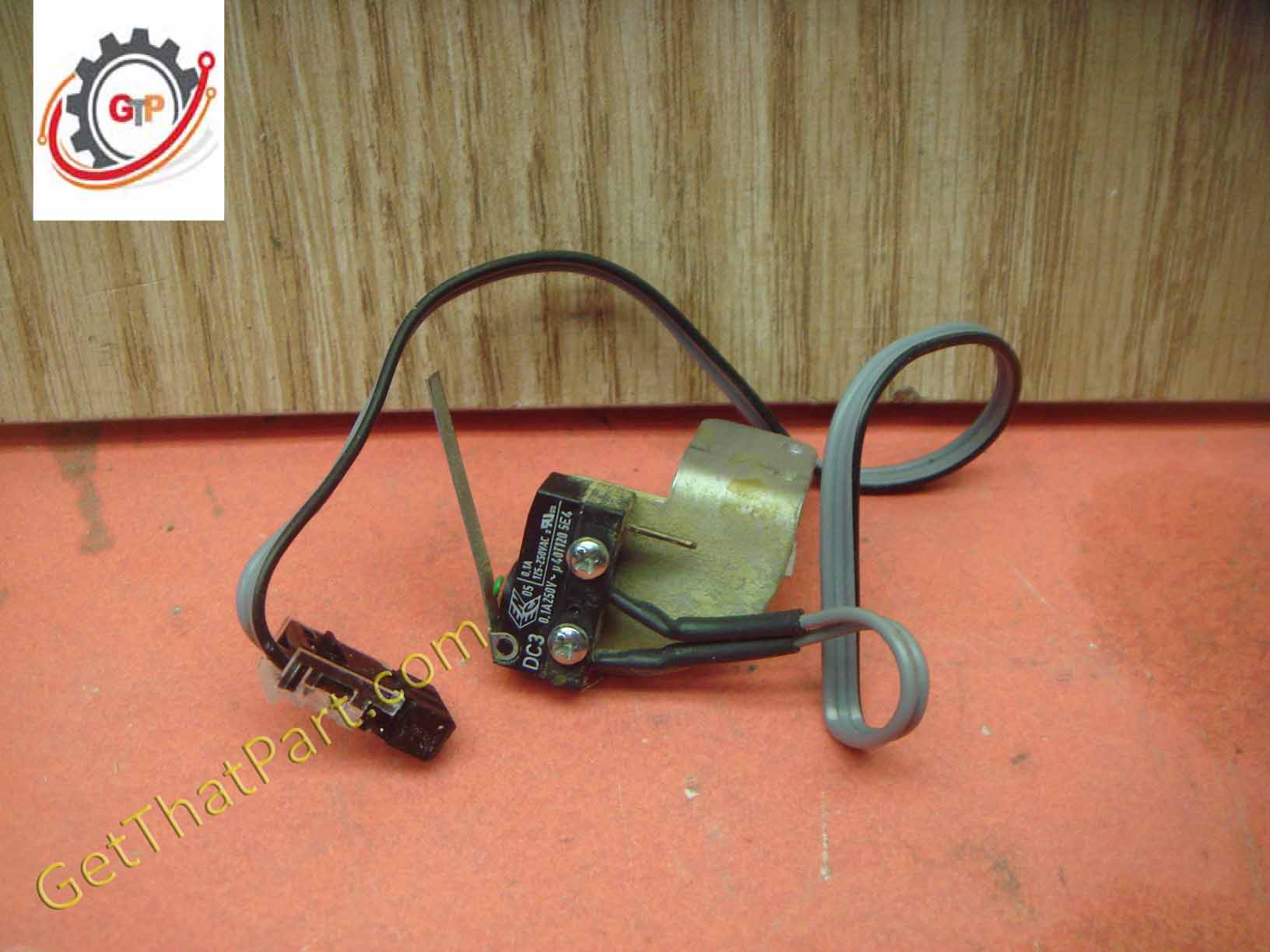
Modern shredders have multiple safety interlocks that prevent operation if components aren’t perfectly aligned. This is the #1 cause of “no power” symptoms when the motor is actually fine. Remove the waste bin completely and examine the sensor area—often a small plastic tab or magnetic switch on the bin housing. Wipe any paper dust from both the bin contact point and the shredder body with a dry microfiber cloth. Reinsert the bin with firm downward pressure until you hear a distinct click. Then lift and reseat the shredder head assembly, ensuring no gaps between the head and bin.
Critical visual check:
With the bin removed, look for a small red or green LED inside the bin compartment. If present and illuminated when plugged in, your power supply is working—but the safety sensor is blocking operation. If no light appears, move to power source troubleshooting. When reseating components, wiggle them slightly while applying pressure; misalignment as small as 1/8 inch can trigger sensor failure.
Cool Down an Overheated Motor Before Resetting
Continuous shredding triggers thermal overload protectors—a safety feature that cuts power when motors exceed 140°F. If your shredder stopped working after 15+ minutes of use or multiple jam-clearing attempts, overheating is likely the culprit. Do not skip this step: Unplug the unit and let it cool for 30-60 minutes (set a timer). Never force operation while hot—this can permanently damage windings. During cooldown, wipe exterior vents with a soft brush to improve future airflow.
Overheating red flags:
• Warm casing near the motor housing (top/rear)
• Recent shredding of thick documents or non-paper items
• Previous jams cleared through repeated reverse cycles
• Model-specific indicator: Some Fellowes units flash red lights when overheated
Resist the urge to “test” before cooldown completes—thermal protectors need full reset time. After waiting, plug directly into a wall outlet (not a power strip) and try powering on.
Clear a Paper Jam Using Reverse Mode (Works 50% of the Time)
When your paper shredder won’t turn on but makes a faint hum or click, a jam is almost certainly blocking the motor. Reverse mode is your first-line weapon: With the unit plugged in and power switch “On,” press and hold the Reverse button for 15 full seconds. Listen for paper fragments ejecting. Repeat 2-3 times. This solves most “no power” symptoms by freeing cutters enough for the motor to engage.
Pro technique for stubborn jams:
1. Unplug the shredder
2. Spray shredder-specific lubricant (not WD-40!) onto a thick sheet of paper
3. Plug in and hold Reverse while feeding the oiled sheet slowly
4. The lubricant penetrates the jam, allowing cutters to release
Never force paper through—this worsens jams. If reverse fails after 3 attempts, move to manual clearing.
Manually Remove Stubborn Jams with Non-Metal Tools

For jams that survive reverse mode, physical removal is necessary—but your fingers don’t belong near spinning blades. Unplug the shredder, then use a plastic utensil or chopstick to gently dislodge visible paper near the feed slot. Never use metal objects—they can scratch cutters and cause future jams. For deeper obstructions, locate the manual reverse crank (if equipped; common on Fellowes and Aurora models). Insert the crank and turn counterclockwise in slow, steady motions.
What to look for during manual clearing:
• Shiny metal cutters partially visible through paper debris
• Twisted paper wads creating tension on drive gears
• Non-paper items like staples or plastic binding fragments
If you see cutters moving slightly when cranking but no paper ejecting, the jam is likely behind the feed rollers. Stop immediately—further force risks gear damage. Proceed to lubrication methods instead.
Apply Blade Lubricant to Free Stuck Cutting Heads
Dry, gummed-up cutters mimic “no power” symptoms by creating excessive resistance. Shredder oil isn’t optional—it’s essential maintenance. Unplug the unit, then apply 2-3 drops of shredder-specific oil (canola oil works in emergencies) directly onto the cutting heads through the feed slot. Wipe excess with a paper towel. Plug in and run an oil-lubricated sheet through in Reverse mode. The oil penetrates microscopic paper fibers binding the cutters.
Critical lubrication mistakes to avoid:
• Using cooking sprays (they attract dust and harden)
• Oiling while motor is running (causes splatter and uneven coating)
• Skipping monthly maintenance (leads to permanent cutter corrosion)
For severely gummed units, run 3-4 lubrication sheets consecutively. If cutters still won’t move after proper lubrication, suspect internal mechanical failure.
Locate and Press the Overload Reset Button on Your Model

Most shredders hide a thermal reset button that’s easily missed. Unplug the unit, then examine the bottom panel and rear housing for a small recessed button (often red or black). Common locations:
• Fellowes: Centered on bottom panel near cord entry
• AmazonBasics: Rear housing near power switch
• Swingline: Left side panel below feed slot
Press firmly with a paperclip for 5 seconds. If it clicks, the overload tripped. Wait 10 minutes before plugging in—resetting too soon causes immediate re-tripping.
Why reset buttons fail:
Repeated overheating can weld reset contacts shut. If pressing yields no click and the unit remains dead, the thermal protector needs replacement—a task for professionals. Note: Some budget models (under $50) omit reset buttons entirely, making overheating a replacement trigger.
Diagnose a Dead Motor vs. Control Board Failure
When your paper shredder won’t turn on with zero sounds or lights, the battle shifts to electronics. First, confirm power reaches the unit: Plug in a working lamp to the same outlet while the shredder is connected. If the lamp dims when you press “Auto,” the motor is attempting to start (indicating a mechanical blockage). If the lamp stays bright with no shredder response, the issue is upstream.
Critical diagnostic steps:
1. Plug directly into wall outlet (bypass power strips)
2. Listen for a single “click” from control board when pressing buttons
3. Check for faint ozone smell (indicates burned circuitry)
A distinct click with no motor hum points to control board failure. Total silence suggests dead power supply or severed internal wiring. Stop immediately if you smell burning plastic—this requires professional repair or replacement.
When a Burning Smell Means Immediate Replacement
That acrid, fishy odor? That’s overheated wiring insulation—a fire hazard. If your paper shredder won’t turn on and emits any burning smell, unplug it permanently. Do not attempt repairs. Visible scorch marks on the motor housing or melted plastic near the power inlet confirm irreparable damage. Similarly, persistent grinding noises during operation indicate gear failure that compromises safety.
Replacement urgency checklist:
• Burning smell present (even faint)
• Visible smoke residue inside feed slot
• Power cord insulation bubbling or cracked
• Motor housing discolored (yellow/brown spots)
These conditions violate electrical safety standards. Continuing use risks house fires. Document damage with photos before disposal for potential insurance claims.
Prevent Future Shutdowns with Proper Oil and Usage
Most “paper shredder won’t turn on” emergencies stem from preventable neglect. After fixing your current issue, implement this maintenance protocol: Lubricate cutters every 30 minutes of run time (or monthly for light users) using oil sheets. Never exceed your model’s sheet capacity—overfeeding causes 70% of jams. Remove all staples and paper clips first; even “shred-safe” staples strain motors over time.
Non-negotiable usage rules:
• NEVER shred plastic, credit cards, or cardboard (unless industrial-rated)
• Limit sessions to 10 minutes with 5-minute cooldowns
• Empty bins at 75% capacity to avoid sensor errors
• Store in climate-controlled spaces (humidity corrodes cutters)
Following these prevents 95% of power failures. Keep a log of oiling dates—dry cutters are the silent shredder killer.
Final Note: Most “dead” paper shredders spring back to life with sensor resets, reverse-mode jam clearing, or simple cooldown periods. By methodically working through these steps—from power verification to thermal reset—you’ll revive your machine 8 out of 10 times without professional help. When replacement becomes necessary, prioritize models with visible reset buttons and oil ports. Remember: Consistent lubrication and respecting sheet limits transform your shredder from a frustration into a decade-long office ally. Keep this guide handy—it might just save you $100 on your next “emergency” shredder purchase.



