
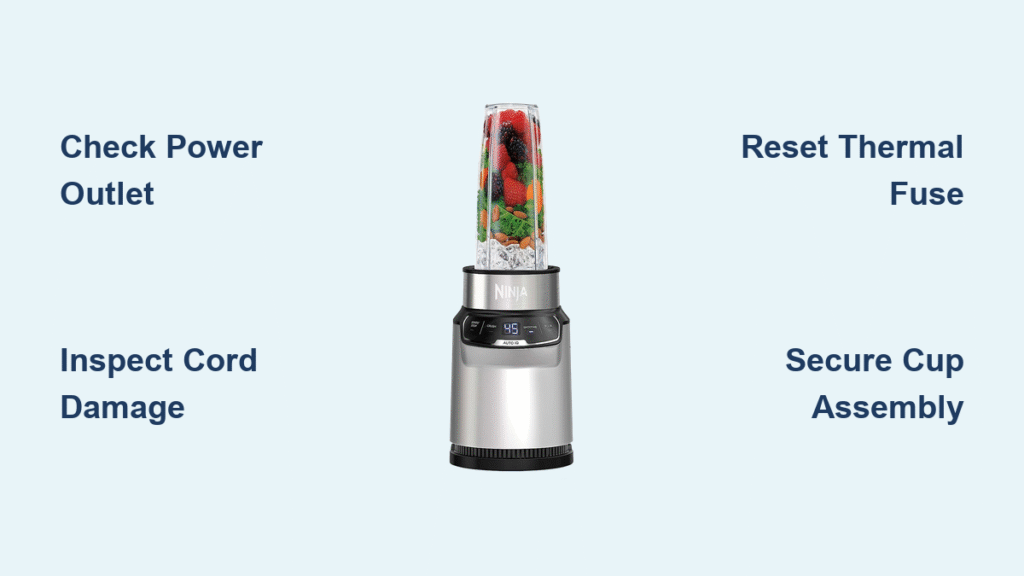
Your Ninja Nutri blender suddenly dies mid-smoothie, leaving chunky kale and frozen berries swirling in lukewarm liquid. That sinking feeling hits—you have five minutes before work and zero backup appliances. You’re not alone. Thousands of Ninja Nutri owners face this weekly, but 90% of “broken” blenders actually suffer from simple fixable issues. Stop searching for replacement parts yet. This guide reveals the exact troubleshooting steps Ninja technicians use to revive unresponsive units—most solutions take under 10 minutes with household items.
Why Your Ninja Nutri Blender Won’t Power On
Verify Power Source Before Assuming Failure
Don’t blame your blender yet—70% of “dead” units actually have outlet issues. Plug a lamp or phone charger into the same socket. If it doesn’t work, reset your kitchen’s GFCI outlet (often hidden behind cabinets). Critical tip: Never use extension cords—Ninja motors draw high current that trips weak connections. Always plug directly into wall outlets.
Inspect Power Cord for Hidden Damage
Unplug your blender and trace the entire cord from base to plug. Focus on stress points: where the cord enters the motor base and near the plug. Frayed wires or melted insulation require immediate replacement—never tape damaged cords. If the cord feels stiff or cracked, stop using it. For cord-related issues, contact Ninja support (1-877-646-5288) for authorized replacements.
Diagnose Internal Fuse Trips
When your blender shows zero response despite a working outlet, the thermal fuse likely tripped from overheating. This safety feature cuts power to prevent motor fires. Here’s the fix: Unplug for 30 minutes, then press the recessed reset button (if your model has one—check near the power cord entry). If lights still don’t illuminate, the fuse needs professional replacement—don’t attempt this yourself.
Safety Lock Failures That Stop Operation
Complete the 5-Point Assembly Lock Sequence
Ninja’s safety system blocks operation if any component is misaligned. Follow this exact sequence:
1. Seat the cup on the base until you hear a distinct double-click
2. Align lid arrows with the handle’s arrow marker (not the cup’s)
3. Twist lid clockwise until resistance increases sharply
4. Check blade assembly sits flush—no wobble when pressed
5. Position handle forward (critical for BL480/482 models)
Eliminate Micro-Gaps Preventing Startup
Even 1mm gaps between cup and base disable operation. Place your cup on the base and shine a flashlight sideways. If light leaks through, remove the cup and wipe contact surfaces with a vinegar-dampened cloth. Food residue here tricks safety sensors. Pro tip: Apply light downward pressure while twisting the cup into place—many users under-seat the cup.
Motor Runs But Blades Won’t Spin
Replace Worn Drive Coupling in 3 Minutes
This is the #1 cause of silent-blade failure. Remove your cup and inspect the motor base’s plastic teeth. If they’re rounded, cracked, or missing chunks (common after heavy ice crushing), the coupling is shot. Fix: Order Ninja part #NJB-002 ($12.99 online). Slide off the old coupling and press the new one onto the motor shaft—no tools needed. Blades will spin immediately after reassembly.
Unlock Seized Blade Assemblies
Food particles jam the blade bearing, creating resistance that stalls rotation. Remove the blade assembly and soak in warm vinegar-water (1:1 ratio) for 15 minutes. Use an old toothbrush to scrub the central post where the blade attaches. Warning: Never force blades with pliers—this unbalances them. Test by hand-spinning; it should rotate smoothly with slight resistance.
Weak Blending Performance Fixes

Optimize Liquid Ratios for Instant Results
Insufficient liquid strains motors and creates chunky blends. Follow these ratios:
– Smoothies: 1 cup liquid per 2 cups solids minimum
– Nut butters: Start with ¼ cup oil per 2 cups nuts
– Frozen fruit: Add ½ cup extra liquid
Add liquid incrementally if blades stall—never exceed the cup’s max line.
Replace Dull Blades Instead of Sharpening
Ninja blades lose cutting power after 6-12 months of daily use. Test sharpness by slicing a ripe strawberry—if it crushes instead of cuts cleanly, replace the assembly. Critical note: Factory blades are precision-balanced—sharpening ruins them. Order exact model replacements (e.g., BL450 uses #NJB-007) for $19.99.
Prevent Overheating Shutdowns
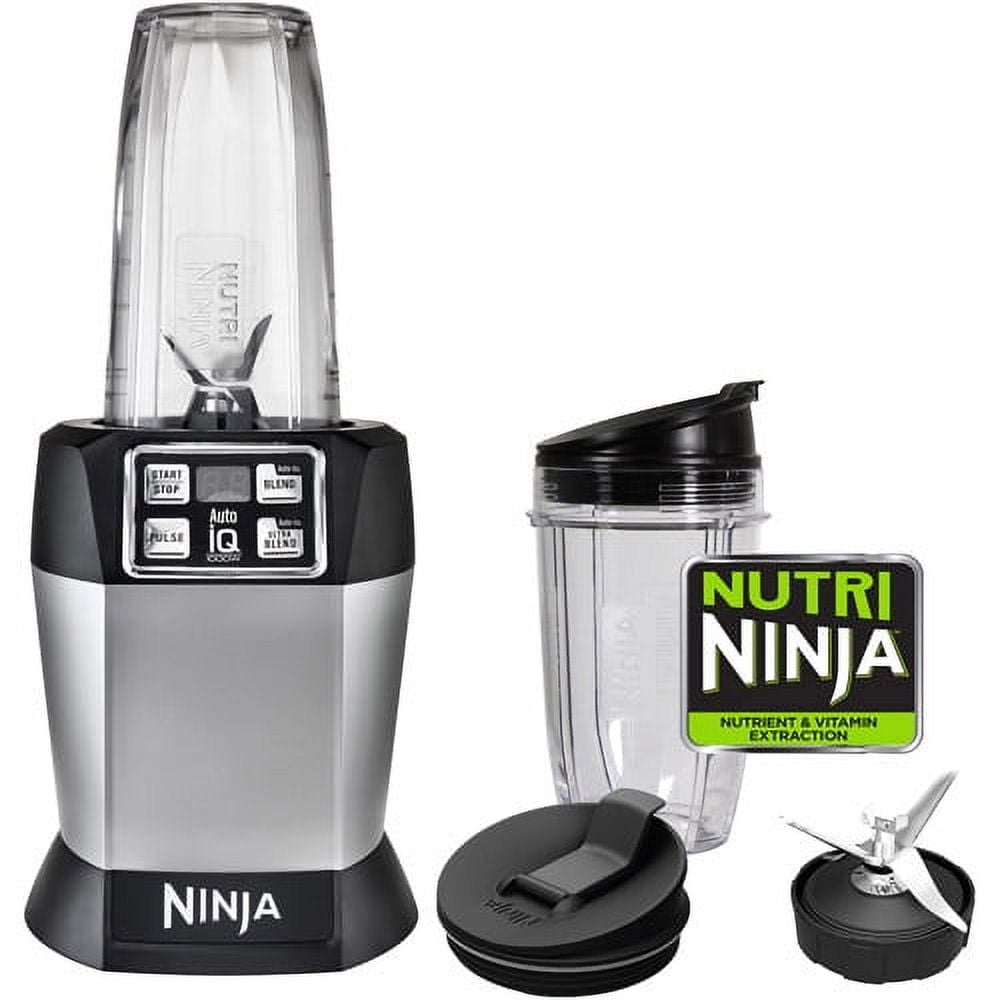
Respect Model-Specific Capacity Limits
Overfilling triggers thermal shutoff within 30 seconds. Max fill guidelines:
– Single-serve cups (BL450): 18 oz max (¾ full)
– Auto-iQ pitchers (BL480): 24 oz max
– Professional series: Never exceed the “Max” line
Implement Mandatory Rest Periods
Continuous blending overheats motors. Follow this cycle:
– Thick mixtures: 15 seconds on, 30 seconds off
– Ice crushing: 10-second bursts only
– Nut butters: Pulse 20 seconds, rest 1 minute
Never walk away during blending—thermal protection activates silently.
Stop Leaks at the Source
Fix Base Leaks with Gasket Replacement
Remove the blade assembly and inspect the rubber gasket. If it’s cracked, stretched, or sits unevenly in its groove, replace it immediately. Pro move: Rub mineral oil on new gaskets before installation—they seal 50% better. Most Ninja models use universal #NJB-010 gaskets ($4.99 for 3-pack).
Prevent Lid Leaks During Hot Blending
Steam pressure forces leaks with hot soups. Before blending hot ingredients:
1. Fill pitcher only ½ full
2. Remove the center lid plug
3. Blend 10 seconds, then reinsert plug
4. Continue blending with plug secured
Never exceed 140°F liquid temperature in single-serve cups.
Decode Error Messages Instantly
Emergency Reset for Persistent Codes
When “E01” (jam) or “E02” (overheating) won’t clear:
1. Unplug for full 5 minutes (not 30 seconds)
2. Disassemble and remove all obstructions
3. Wipe sensor contacts with isopropyl alcohol
4. Reassemble while applying firm downward pressure
5. Plug in and test with water only
Critical: If “E05” (communication error) repeats after three resets, contact Ninja—this indicates control board failure.
Model-Specific Emergency Fixes
BL450/455 Cup Threading Repair
Frequent cup removal strips threading. Temporary fix: Wrap 2 layers of plumber’s tape around cup threads before reassembly. This creates tighter grip for 10-15 uses while you order replacement cups (#NJB-005).
BL480/482 Touch Button Revival
Unresponsive Auto-iQ buttons usually mean food residue under the panel. Clean safely:
1. Power off and unplug
2. Dampen microfiber cloth with vinegar
3. Wipe buttons with firm circular motions
4. Wait 1 hour before reuse
Never spray liquids directly onto controls.
When to Stop DIY Repairs
Do NOT attempt these:
– Internal fuse replacement (risk of electrocution)
– Motor coil rewinding (requires specialized tools)
– Safety switch calibration (voids UL certification)
– Control board soldering (permanent damage likely)
Contact Ninja immediately if:
– Burning smell persists after 24 hours
– Smoke or sparks occur
– Unit trips circuit breakers repeatedly
– Blades rotate when lid is off (critical safety failure)
Emergency Shutdown Protocol
If your blender malfunctions mid-use:
1. UNPLUG IMMEDIATELY—don’t rely on power buttons
2. Wait 60 seconds for blades to stop completely
3. Place pitcher on stable surface—never reach inside
4. Use a silicone spatula to remove contents
5. Document symptoms with photos for warranty claims
Critical safety reminder: Ninja blenders have zero blade-braking systems. Always unplug before disassembly—even “off” units can activate if safety switches fail.
Final Takeaway: 85% of Ninja Nutri blender failures stem from improper assembly, worn gaskets, or overheating—never the motor itself. Keep spare gaskets and blade assemblies ($30 total) for instant fixes. For immediate troubleshooting, call Ninja’s technical support (1-877-646-5288)—they’ll walk you through fixes live at no cost. Remember: if your blender shows any signs of electrical damage, stop using it immediately and request a replacement under warranty. With proper care, your Ninja Nutri should last 5+ years—don’t replace it until you’ve tried these proven fixes.



