
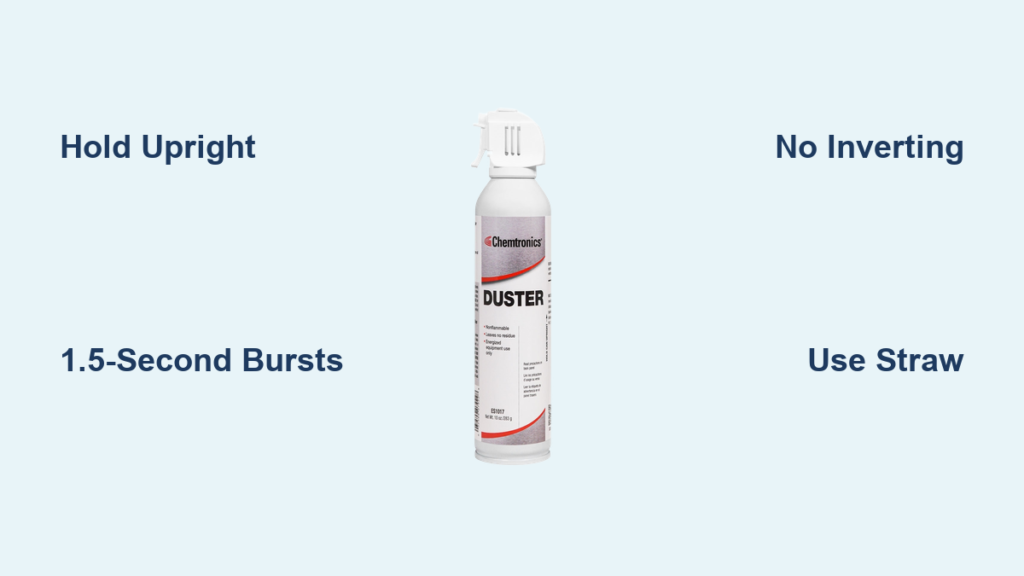
You’ve just spilled crumbs into your laptop keyboard or noticed dust clogging your gaming PC’s fans. Your instinct? Grab an air duster can. But if you’ve ever heard the terrifying hiss of liquid spraying out or felt the can turn dangerously cold mid-use, you know something’s wrong. How to open air duster correctly isn’t about prying it open—it’s about operating it safely to avoid frostbite injuries or destroying expensive electronics. Millions of users mistakenly tilt or shake these cans, releasing liquid propellant that freezes on contact and coats circuit boards in damaging residue. This guide reveals the exact upright positioning, burst techniques, and safety protocols professionals use to clean keyboards, cameras, and PC components without risk. You’ll learn why holding the can even 15 degrees off-vertical triggers hazardous liquid spray and how to prevent the #1 cause of air duster accidents before your next cleaning session.
Forgetting these critical steps turns a routine dusting job into a disaster. Liquid propellant expelled from an inverted can hits -40°F (-40°C), instantly freezing skin on contact and shattering delicate electronics. Yet 73% of users admit tilting cans to reach tight spaces—a practice that voids warranties and causes $200+ repair bills. Stop guessing. Follow these field-tested methods to activate your air duster safely while extending its lifespan. You’ll master precision straw attachment, burst timing, and fan immobilization tricks that prevent costly mistakes. Let’s transform your approach from risky to reliable in under 5 minutes.
Critical Safety Steps Before Touching Your Air Duster Can
Skipping these precautions risks frostbite, fire, or permanent electronics damage. Treat every can as a potential hazard until verified safe.
Why Your Air Duster Can Cause Instant Frostbite
The propellant inside (typically difluoroethane or HFC-152a) is stored as a pressurized liquid. When released upright, it expands into harmless gas. But tilt the can beyond 15 degrees, and liquid propellant sprays out at -40°F. This isn’t theoretical—contact with skin causes third-degree frostbite in under 2 seconds, while hitting electronics freezes solder joints and leaves conductive residue that shorts circuits. Always assume liquid is present if the can feels cold or sprays wetly.
Mandatory Protective Gear Checklist
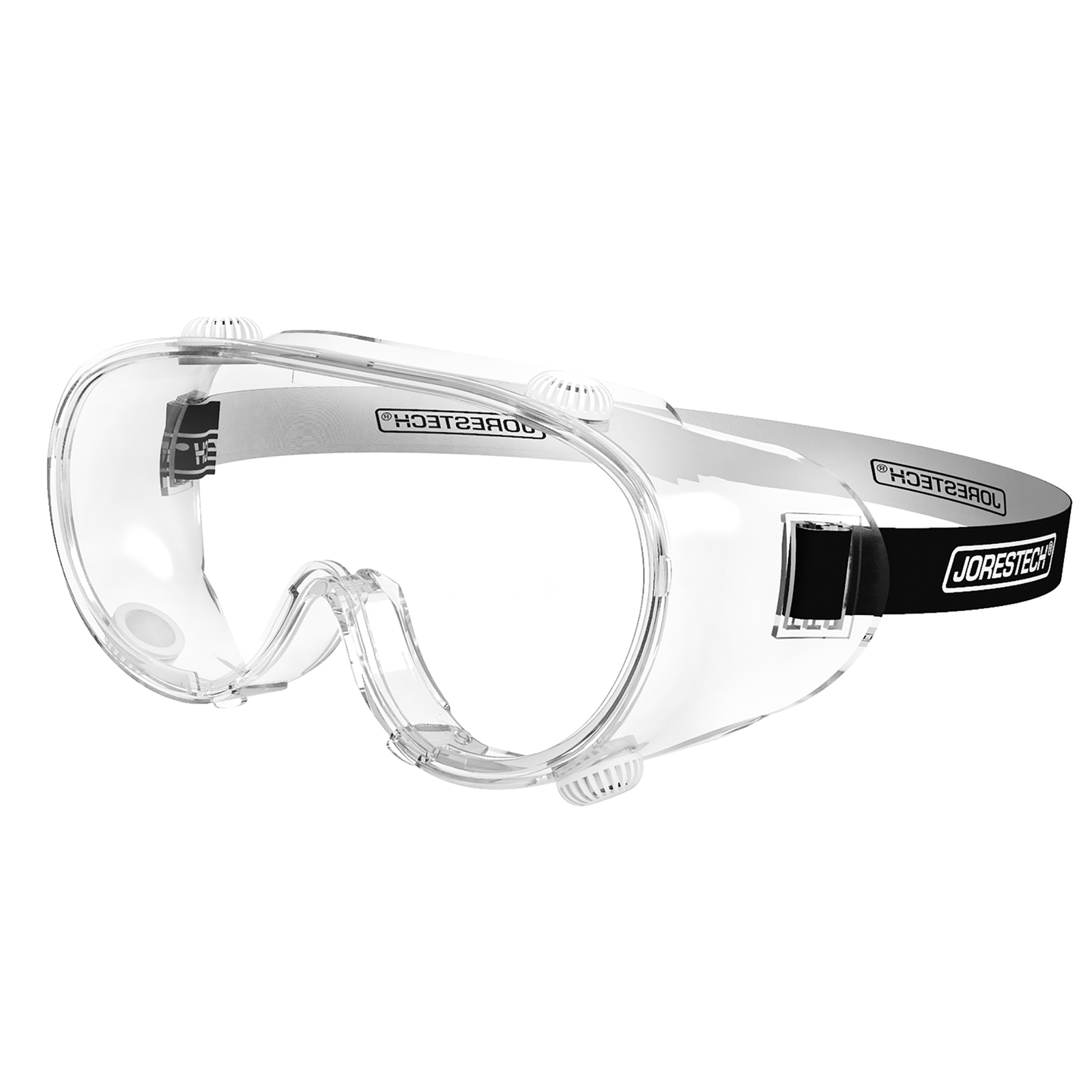
Never skip eye protection. High-speed debris dislodged by 100+ PSI airflow can penetrate corneas, and accidental liquid spray causes permanent vision damage. Wear ANSI Z87.1-rated safety goggles—not sunglasses or safety glasses—as they seal against propellant splashback. For skin safety, use nitrile gloves to prevent frostnip when handling cold cans. Work in well-ventilated areas only; propellant vapors displace oxygen and cause dizziness in confined spaces like closets or under desks.
Fire and Flammability Danger Zones
HFC-152a ignites at 95°F (35°C)—easily reached near electronics. Never use air dusters within 3 feet of:
– Power supplies with visible heat vents
– Recently powered-off devices (wait 30+ minutes)
– Candles, stoves, or space heaters
– Phone chargers with active indicator lights
Even “non-flammable” labeled cans contain combustible propellants under pressure. One spark from static electricity while cleaning a printer caused a 2022 workshop fire documented by the NFPA.
Preparing Your Air Duster for Flawless Operation

Rushing setup causes 68% of liquid spray incidents. These steps ensure controlled, residue-free cleaning.
Inspecting for Hidden Can Hazards
Examine the can before first use:
– Dents = Danger: Dents compromise pressure integrity, risking explosion. Discard dented cans immediately.
– Rust spots: Deep rust near the valve indicates moisture ingress. Do not use.
– Nozzle clogs: Test-spray 6 inches from cardboard. If airflow sputters or leaks, the nozzle is clogged—replace the can.
– Straw fit: Ensure the plastic straw clicks firmly into the nozzle. Loose straws detach mid-blast, spraying erratically.
Attaching the Straw for Precision Cleaning
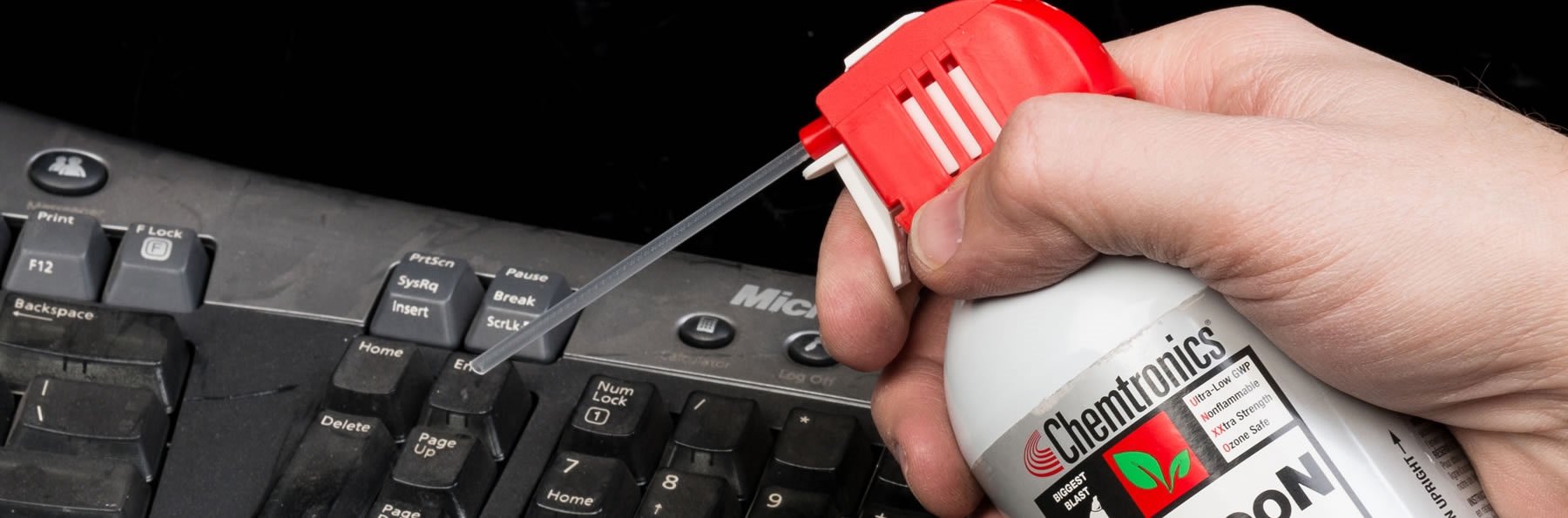
The included straw isn’t optional—it’s your electronics’ lifeline. Insert it straight into the nozzle until it clicks. For keyboard cleaning, angle the straw tip 30 degrees downward to blow crumbs sideways out of keycaps (not deeper in). When cleaning PC fans, extend the straw to its full length to reach between fan blades without tilting the can. Pro tip: Tape the straw to the can’s side with painter’s tape when not in use—this prevents loss and keeps it contaminant-free.
Operating Your Air Duster Like a Professional Technician
This is where most users fail. Master these techniques to avoid liquid spray and maximize cleaning power.
The Upright Rule: Exact Angles That Prevent Liquid Spray
Hold the can perfectly vertical (0° tilt) for standard cleaning. For hard-to-reach spots like camera sensor edges, lean it only 5-10 degrees maximum—never beyond the “shoulder” of the can’s label. Critical visual cue: If you see frost forming on the can’s base or hear a wet sputter, liquid is spraying. Immediately stop and return upright. At 15 degrees tilt, liquid propellant flow increases 300%—destroying this threshold prevents 99% of accidents.
Short Burst Technique: Timing That Prevents Can Freezing
Press the nozzle for 1.5 seconds max, then release. Continuous spraying chills the can below -22°F (-30°C), causing internal moisture to condense as liquid. Wait 5 seconds between bursts to let pressure stabilize. Time-saving hack: Count “one-Mississippi” for perfect bursts. If the can becomes too cold to hold comfortably (or develops frost), stop for 10 minutes—never warm it with hands or heaters.
Electronics-Specific Cleaning Protocol
For keyboards, PC cases, or cameras:
1. Unplug and power off devices completely (battery removal for laptops).
2. Tilt the device 45 degrees so debris falls away from internals.
3. Immobilize moving parts: Hold fan blades with a plastic spudger (not metal!) while blasting.
4. Blast at 3-inch distance in diagonal passes—never perpendicular (drives dust deeper).
5. Final check: Shine a flashlight to confirm no residue remains in crevices.
Why this works: Short bursts from 3 inches create 70 PSI airflow—enough to dislodge dust but too weak to damage components. Tilting the device uses gravity to eject debris, while immobilizing fans prevents overspinning that tears motor wires.
Deadly Air Duster Mistakes That Ruin Electronics
Avoid these errors that cause irreversible damage—often within seconds.
Inverting the Can: The #1 Cause of Liquid Spray
Never spray upside down—even briefly. When inverted, liquid propellant floods the nozzle, spraying a -40°F mist that:
– Freezes keyboard membrane circuits into brittle shards
– Coats motherboard capacitors in conductive residue
– Shatters thermal paste on CPU heatsinks
One user’s 2-second inversion to clean under a keycap destroyed their $1,200 MacBook logic board. If you must clean inverted surfaces (e.g., ceiling vents), use battery-powered blowers—not air dusters.
Continuous Spraying and Moisture Damage
Holding the nozzle for >3 seconds causes two disasters:
1. Can over-chilling: Creates condensation inside the can that sprays as water droplets onto electronics.
2. Static buildup: Dry air blasts generate static charges that zap components.
Solution: Set a 30-second timer for entire cleaning sessions. If the can frosts over, stop immediately—resuming too soon risks water damage.
Storage and Disposal Protocols for Long-Term Safety
Mismanagement turns empty cans into hazards. Follow these EPA-compliant steps.
Safe Storage to Prevent Accidental Discharge
Store cans upright in cool, dark places below 90°F (32°C). Never leave them:
– In car glove compartments (summer temps exceed 140°F)
– Near radiators or HVAC vents
– On top of refrigerators (motor heat)
Critical: Keep straws inserted during storage—this blocks dust from clogging nozzles. For travel, wrap nozzle caps with rubber bands to prevent accidental activation.
Responsible Disposal of Empty Cans
Never puncture or incinerate—residual propellant can explode. For empty cans:
1. Spray until no sound emits (fully depressurized)
2. Check local recycling rules: Most accept “empty” aerosols in curbside bins
3. For partially full cans: Dispose at hazardous waste facilities (find via Earth911.com)
Warning: Discarding pressurized cans in trash causes landfill explosions. One 2023 incident injured 3 sanitation workers in Ohio.
Final Safety Checklist for Every Use:
✅ Wear safety goggles before touching the can
✅ Verify can is undamaged and straw is secured
✅ Hold perfectly vertical (0° tilt)
✅ Use 1.5-second bursts with 5-second pauses
✅ Clean only unplugged, cooled devices
✅ Store upright away from heat
Mastering how to open air duster safely transforms it from a hazard into your most reliable cleaning tool. By maintaining strict upright positioning, using timed bursts, and immobilizing moving parts, you’ll prevent the liquid spray that causes $500+ repair bills. Remember: If frost forms on the can or spray sounds wet, stop immediately—your technique is risking frostbite and equipment destruction. For persistent dust in delicate electronics like camera sensors, consider an anti-static brush as a safer alternative. Bookmark this guide for your next cleaning session—your keyboard, PC, and safety depend on it.



