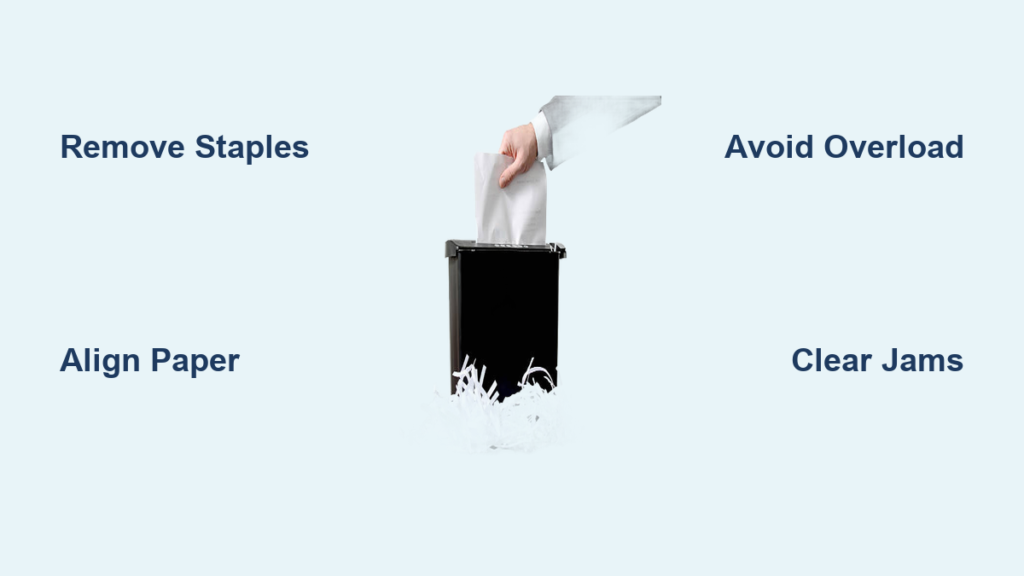
You’ve just finished sorting through stacks of old bills, credit card statements, and expired insurance documents. Before you know it, you’ve created a mountain of sensitive paperwork that could put you at risk for identity theft if it falls into the wrong hands. Proper document destruction isn’t just convenient—it’s essential for protecting your personal information in today’s digital world. Following the right paper shredder procedure ensures your confidential data stays secure while extending the life of your shredding equipment. In this guide, you’ll learn the exact sequence for operating any standard paper shredder safely and efficiently, whether you’re clearing out financial records, medical documents, or old tax files.
Most people don’t realize that improper shredding techniques can damage their machine or leave sensitive information partially intact. By following these verified steps, you’ll maximize security while avoiding common pitfalls that lead to paper jams and motor strain. Whether you’ve just purchased your first shredder or have been struggling with an existing model, this comprehensive walkthrough will transform you from frustrated user to document security expert in under 15 minutes.
Essential Pre-Use Safety Checks for Your Paper Shredder
Before inserting a single sheet, completing these critical safety preparations prevents accidents and ensures optimal performance. Paper shredders contain powerful cutting mechanisms that demand respect—approximately 30,000 emergency room visits annually involve paper shredder injuries, mostly from improper handling. Always unplug your shredder when not actively shredding to prevent accidental activation, especially in households with children or pets.
What to Remove From Documents Before Shredding
Carefully inspect each document for non-paper elements that can destroy your shredder’s cutting mechanism. Staples, paper clips, binder clips, and plastic report covers must be removed completely—these metal and plastic components account for 65% of all shredder malfunctions. Credit cards, laminated documents, and plastic ID badges should never enter standard paper shredders as they melt and gum up blades. Even thick cardstock or multiple glued-together pages can overwhelm consumer-grade models.
Verifying Proper Setup and Placement
Position your shredder on a stable, level surface with at least 12 inches of clearance around all sides for ventilation. Ensure the waste bin is correctly seated and the machine sits firmly without wobbling. Check that the power cord has no frays or damage, and plug directly into a wall outlet rather than a power strip to prevent electrical issues during heavy use. Confirm the auto-oil system (if equipped) has sufficient lubricant, as dry blades create excessive heat and premature wear.
Correct Paper Loading Techniques to Prevent Jams
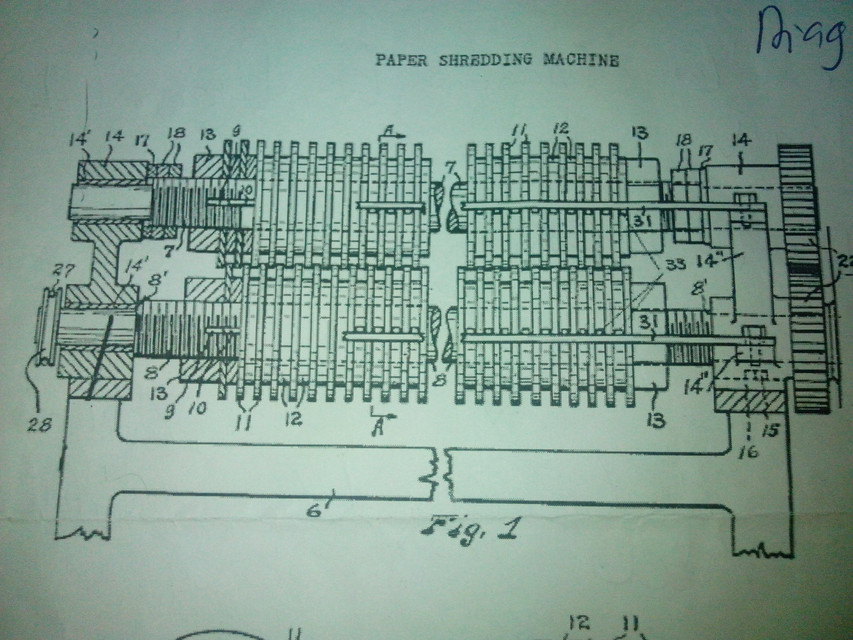
Overloading causes 80% of paper shredder malfunctions, yet most users consistently exceed capacity limits. Understanding your specific model’s capabilities prevents frustrating stoppages and extends machine life significantly. Consumer-grade cross-cut shredders typically handle 6-8 sheets at once, while micro-cut security models often manage only 4-6 sheets. Always begin with fewer sheets than maximum capacity when processing thicker documents like cardstock or folded papers.
How to Determine Your Shredder’s Sheet Capacity
Locate your model’s sheet capacity rating—usually printed near the paper entry slot or in the manual. Test with standard 20lb copy paper first: start with 3 sheets, then gradually increase until you notice slower processing or unusual noise. The maximum reliable capacity is typically 1-2 sheets below where performance degrades. For frequent heavy use, invest in an auto-feed model with sensors that adjust speed based on paper thickness.
Proper Paper Alignment Methods
Hold documents squarely against the feed guide with edges perfectly aligned—angled insertion causes immediate jams. Never force paper downward; let the machine pull sheets in at its own pace. For multi-page documents, fan the pages slightly to separate them before feeding. When processing mixed paper types (like receipts with thermal paper), shred similar weights together since varying thicknesses create uneven resistance.
Operating Sequence for Maximum Security and Efficiency
Following this precise activation sequence ensures complete data destruction while maintaining equipment longevity. Most security breaches occur not from hacking but from improperly discarded documents—proper shredding eliminates this vulnerability completely. Begin with the machine in “Auto” mode if available, which activates only when paper contacts the sensors, reducing unnecessary wear.
Step-by-Step Shredding Process for Sensitive Documents
- Press the “Forward” button to start the shredder (or insert paper to activate auto-sensor models)
- Feed documents slowly with consistent pressure against the entry guide
- Maintain steady contact until paper clears the cutting mechanism
- Allow 2 seconds between document batches for the machine to clear
- Switch to “Reverse” briefly if resistance increases to clear developing jams
- Empty the bin at 75% capacity to prevent overflow messes
Handling Common Shredding Challenges
When processing thick envelopes, remove adhesive strips first and feed flaps separately from bodies. For multi-part forms with carbon paper, shred in single-sheet increments to prevent ink transfer. If shredding photo paper or glossy documents, reduce capacity by half due to higher fiber density. Always shred documents containing social security numbers, account details, or medical information into particles smaller than 5/32 inch for true security.
Post-Use Maintenance for Long-Term Reliability
Neglecting post-shredding care shortens equipment life by up to 70%, turning a $50 investment into frequent replacements. Residual paper dust creates fire hazards while dried lubricant accelerates blade wear. Always run 2-3 sheets of shredder oil paper through the mechanism after processing more than 100 sheets, or use manufacturer-approved oil sparingly on the cutting assembly.
Proper Cleaning Procedures After Heavy Use
Unplug the unit and use the included hook tool to remove stubborn paper fragments from the entry slot. Vacuum interior compartments with a brush attachment to eliminate paper dust buildup—compressed air can force particles deeper into electrical components. Wipe exterior surfaces with a dry microfiber cloth; never use liquid cleaners near electrical components. For persistent jams, consult your manual’s disassembly instructions rather than forcing components.
Optimal Storage Practices Between Uses
Store your shredder in a climate-controlled environment away from moisture and extreme temperatures. Keep the waste bin empty and door closed to prevent dust accumulation in the cutting mechanism. Place silica gel packets inside the bin compartment to absorb humidity that causes paper dust clumping. For infrequently used models, run a maintenance cycle monthly to keep mechanisms lubricated.
Troubleshooting Immediate Shredder Problems

When issues arise during operation, addressing them promptly prevents minor problems from becoming major repairs. Most jams occur within the first inch of the cutting assembly and can be cleared in under 60 seconds with proper technique. Always unplug the unit before attempting any manual intervention—electrocution risks increase dramatically when hands approach internal mechanisms.
Clearing Paper Jams Without Damage
- Immediately press “Reverse” to back paper out of the cutting assembly
- If reversal fails, unplug the unit and wait 30 seconds for mechanisms to stop
- Use the included jam-clearing tool (never fingers or metal objects)
- Gently dislodge paper from entry point while slowly turning the reverse dial
- Once cleared, run oil paper through before resuming normal operation
- If jam persists, consult manufacturer support rather than forcing components
Recognizing When to Stop and Reset
If your shredder emits burning smells, unusual grinding noises, or excessive smoke, stop immediately—these indicate serious mechanical issues. Overheating protection typically kicks in after 10-15 minutes of continuous use; allow 30 minutes cooling time before resuming. Frequent automatic shutdowns usually signal overloaded motors or insufficient lubrication rather than permanent damage.
Security Best Practices for Document Disposal
Following proper shredding protocols transforms your document disposal from a chore into a robust security measure. The FTC recommends destroying all documents containing personal identifiers for at least two years after account closure. For maximum protection, adopt a “shred everything” policy for financial and medical documents, then recycle the shredded particles through municipal programs that accept security-conscious waste.
Creating an Effective Document Destruction Schedule
Designate specific shredding sessions monthly for sensitive paperwork rather than waiting for piles to accumulate. Keep a secure container near your workspace for documents requiring destruction, emptying it before capacity exceeds 50%. For home offices, schedule quarterly deep cleans of outdated records while businesses should implement documented destruction policies aligned with industry regulations.
Alternative Disposal Methods for Non-Shreddable Materials
For items that can’t go through standard shredders—like hard drives or USB sticks—use specialized destruction services. Many office supply stores offer secure hard drive destruction for $5-$15 per device. For extremely sensitive materials requiring chain-of-custody documentation, contract with NAID-certified destruction companies that provide certified disposal records.
Final Note: Consistent, proper shredding practice protects against identity theft while extending your machine’s life for years of reliable service. By following these specific steps for preparation, operation, and maintenance, you transform document security from a frustrating chore into a seamless part of your information management routine. Remember that even small security lapses with discarded documents can have major consequences—taking these precautions seriously pays dividends in peace of mind. For ongoing protection, schedule regular shredding sessions and stay vigilant about new document types that may require special handling procedures.