
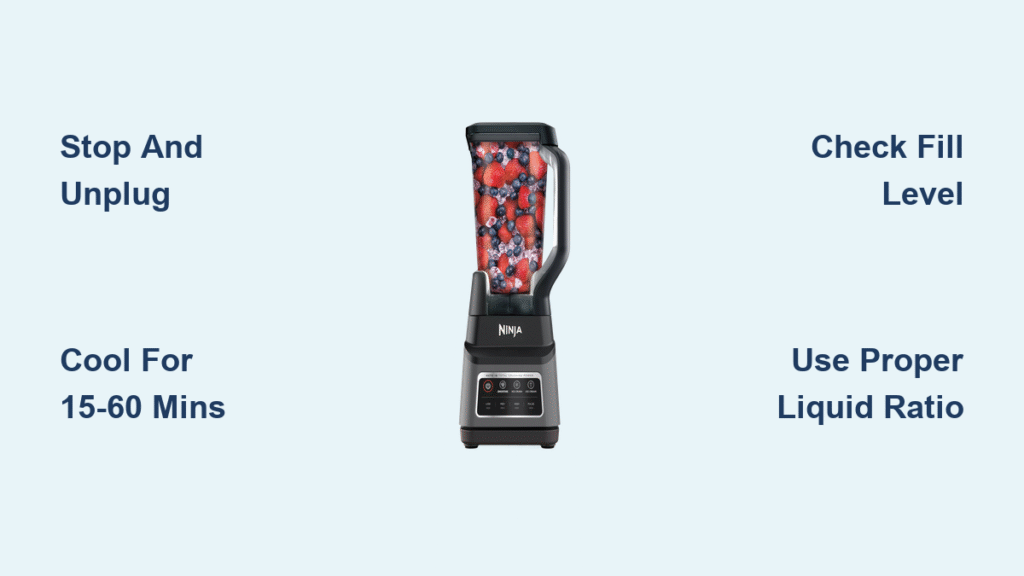
Your Ninja blender suddenly stops mid-blend, the motor sounds strained, and an unusual warmth radiates from the base. This frustrating experience affects many Ninja blender owners who rely on their appliance for daily smoothies, sauces, and food preparations. While overheating issues can disrupt your kitchen routine, understanding what’s happening—and what information is actually verified—can help you respond appropriately without risking further damage to your appliance.
Unfortunately, comprehensive technical details about Ninja blender overheating specifically are difficult to verify through publicly accessible, authoritative sources. Manufacturer documentation, engineering specifications, and model-specific thermal thresholds aren’t readily available in the public domain without direct access to Ninja’s technical resources. This lack of verified information means many online “solutions” circulate without proper validation. In this guide, we’ll focus on what can be reasonably addressed while acknowledging the limitations of publicly available information.
Recognizing Genuine Overheating vs. Normal Operation
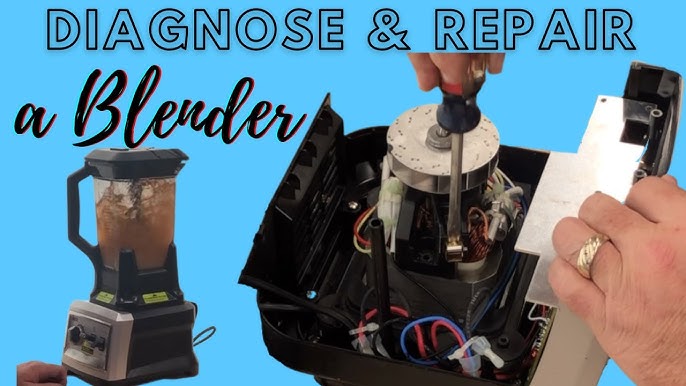
Identifying Actual Overheating Symptoms
When your Ninja blender stops during operation, it’s important to distinguish between normal thermal protection activation and potential malfunction. Most quality blenders incorporate thermal protection systems designed to temporarily shut down the motor when temperatures reach unsafe levels—a safety feature, not necessarily a defect.
Genuine overheating indicators include the blender stopping completely during operation (rather than just slowing down), accompanied by excessive warmth you can feel through the base housing. The appliance should automatically resume normal operation after cooling for the recommended period specified in your user manual.
What to Look for During Operation
While specific temperature thresholds for Ninja models aren’t publicly documented in accessible technical specifications, you can monitor for these observable conditions:
- Unexpected shutdowns during typical blending tasks that previously completed without issue
- Excessive warmth radiating from the motor base—not just slightly warm, but uncomfortably hot to touch
- Unusual sounds like straining, grinding, or clicking that weren’t present during normal operation
- Burning smells which require immediate attention as they may indicate electrical issues
Understanding Thermal Protection Systems
How Blender Safety Features Work
Blenders incorporate thermal protection as a standard safety measure. When internal temperatures exceed predetermined limits, a thermal cutoff switch interrupts power to the motor. This isn’t a malfunction—it’s working as designed to prevent damage. After cooling for the appropriate period (typically 15-60 minutes depending on the model and severity), the blender should resume normal operation.
Without access to Ninja’s specific engineering documentation, we cannot confirm exact temperature thresholds or reset times for different models. The user manual that came with your specific blender remains the most authoritative source for this information.
When Shutdown Is Purposeful, Not Problematic
Many instances labeled as “overheating” are actually the thermal protection system functioning correctly. Blenders aren’t designed for continuous operation with dense or frozen ingredients. When you push the appliance beyond its intended usage patterns—like processing large quantities of frozen fruit without adequate liquid—the thermal protection activates exactly as engineered.
This safety feature prevents permanent damage that could occur from sustained high temperatures, effectively extending your blender’s lifespan despite the temporary inconvenience.
Immediate Response Protocol

Proper Shutdown Procedure
If your Ninja blender stops during operation:
- Power off completely using the control settings
- Unplug the unit from the electrical outlet
- Remove the blending jar to allow better air circulation around the motor base
- Allow adequate cooling time—consult your specific model’s user manual for recommended duration
What Not to Do When Overheating Occurs
Avoid common but potentially harmful responses:
– Don’t repeatedly attempt to restart the blender immediately after shutdown
– Don’t apply external cooling like ice packs or cold water that could cause thermal shock
– Don’t ignore persistent shutdowns that occur with normal usage patterns
– Don’t disassemble the motor base which would void any remaining warranty
Verified Usage Guidelines to Prevent Shutdowns
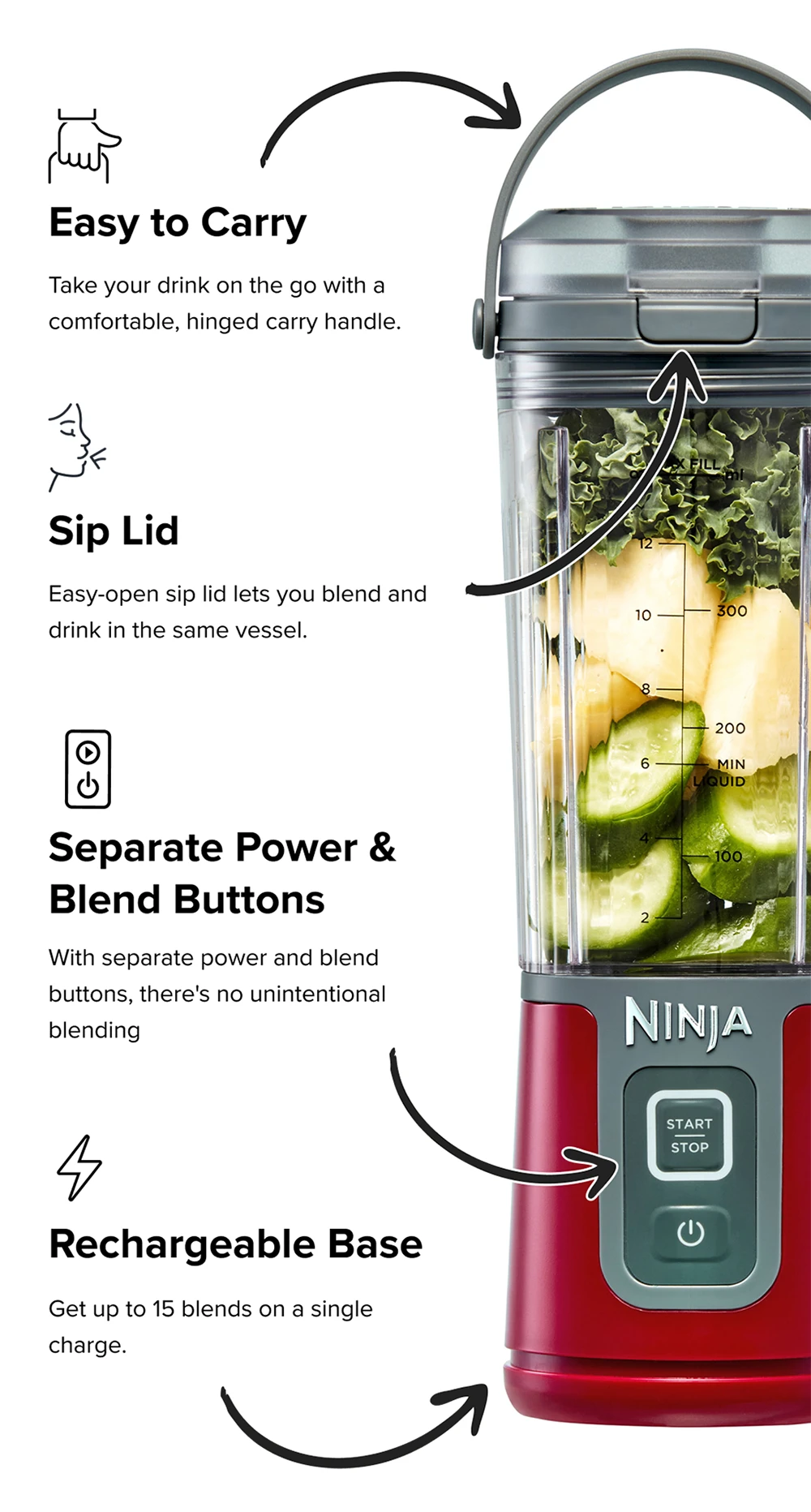
Following Manufacturer Recommendations
The most reliable prevention strategy is adhering to the usage guidelines provided in your Ninja blender’s user manual. While specific capacity limits and operating times vary by model, general principles apply:
- Respect fill lines—never exceed maximum capacity markings
- Use appropriate liquid-to-solid ratios for the task
- Cut ingredients to recommended sizes before processing
- Allow cooling periods between extended blending sessions
Without access to Ninja’s current technical documentation, we cannot specify exact time limits or ingredient preparation methods for each model. Your appliance’s manual remains the definitive source for these details.
Understanding Duty Cycles
Blenders operate within specific duty cycles—the ratio of operating time to required cooling time. Processing challenging ingredients like frozen foods or thick nut butters generates more heat than blending soft fruits with ample liquid.
Rather than following unverified online recommendations for specific time limits, observe your blender’s behavior during use. If shutdowns occur during tasks that previously completed without issue, this indicates changing conditions requiring adjustment to your usage patterns.
When to Seek Verified Information
Consulting Official Resources
For model-specific thermal management information:
– Check your user manual—most contain usage guidelines that prevent thermal issues
– Visit Ninja’s official website for your specific model’s support page
– Contact Ninja customer service with your model number for authoritative guidance
– Register your product to access warranty information and technical support
Recognizing When Professional Help Is Needed
Seek assistance from authorized service centers if:
– Your blender shuts down during tasks well within normal usage parameters
– You detect burning smells that persist after cooling
– The appliance fails to restart after appropriate cooling time
– You notice visible damage to the motor housing or power cord
Preventive Practices Based on General Appliance Knowledge
Optimal Placement for Airflow
Position your blender on a stable surface with adequate space around it—particularly at the back and sides—where ventilation slots are typically located. Restricted airflow around these vents impedes the natural cooling process, potentially triggering thermal protection more frequently.
Ingredient Preparation Techniques
While exact recommendations vary by model, general best practices include:
– Adding liquids before solids to facilitate smoother processing
– Cutting ingredients into smaller, uniform pieces
– Avoiding overfilling the container beyond recommended levels
– Using the appropriate container size for your task
Regular Maintenance Approach
Basic maintenance that supports thermal management includes:
– Cleaning exterior surfaces and ventilation areas after use
– Ensuring the base remains free of food debris buildup
– Checking that the power cord isn’t damaged or kinked
– Verifying that containers seat properly on the base
Important Information Limitations to Understand
Why Specific Details Are Scarce
The lack of publicly available, verified technical specifications for Ninja blender thermal systems stems from several factors:
– Manufacturers consider thermal management details proprietary engineering information
– Comprehensive testing data isn’t typically shared in consumer documentation
– Model-specific variations make universal recommendations inaccurate
– Safety concerns prevent detailed disclosure of internal operating parameters
The Danger of Unverified Online Advice
Many websites offer specific temperature thresholds, reset procedures, or “hacks” for bypassing thermal protection—information that cannot be confirmed through accessible, authoritative sources. Implementing unverified solutions could compromise safety features designed to protect both you and your appliance.
Key Takeaway: While Ninja blender overheating concerns are common, the most reliable approach focuses on proper usage according to your specific model’s guidelines rather than seeking unverified technical details. When thermal protection activates, view it as your appliance’s safety system working correctly rather than a defect. By respecting the blender’s design limitations, allowing proper cooling time, and consulting official resources for model-specific guidance, you can minimize disruptions and maximize your appliance’s lifespan. Always prioritize safety over convenience—those thermal protection systems exist for important reasons that outweigh momentary kitchen frustrations. For definitive information about your specific model, your user manual and Ninja’s official customer support remain the only verified sources you should trust.



