
Your Ninja Slushie machine suddenly beeps three times, flashes E01 on the display, and refuses to make that refreshing frozen drink you were counting on. This frustrating scenario happens to thousands of Ninja Slushie owners every month when unexpected error codes interrupt their blending routine. Understanding these cryptic messages is the difference between a warm, failed slushie and perfectly chilled drinks in minutes. This comprehensive Ninja Slushie error codes guide delivers exact fixes for every E-prefixed alert your machine might display—no guesswork required.
When your Ninja Slushie flashes an error code, it’s communicating a specific problem that needs attention. Most users panic and immediately contact customer support, wasting valuable time when you could have your machine running again in under 15 minutes. The good news? Nine out of ten error codes have simple solutions you can perform yourself with basic troubleshooting techniques. By the end of this guide, you’ll confidently diagnose and fix any Ninja Slushie error code from E01 through E09, saving yourself service calls and keeping your frozen beverages flowing.
Why Your Ninja Slushie Flashes E01 and Won’t Start
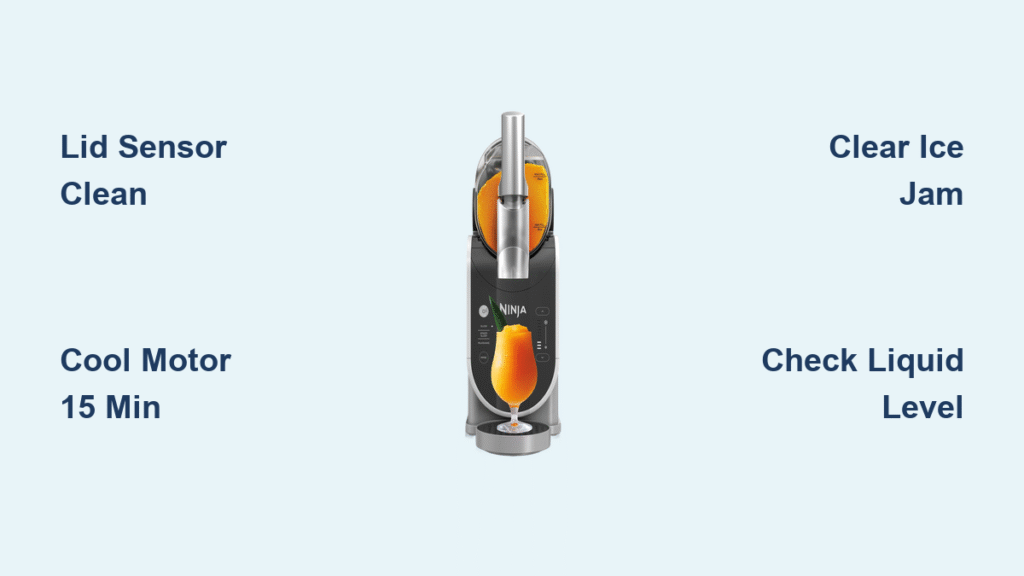
When your Ninja Slushie beeps three times and displays E01, the machine detects that the lid isn’t properly secured—a critical safety feature preventing operation with an open container. This error commonly occurs when syrup residue builds up on the sensor tab, preventing proper electrical contact when you close the lid.
How to Fix Ninja Slushie E01 Lid Sensor Error in 5 Minutes
- Completely remove the lid from your Ninja Slushie machine
- Locate the small plastic nub on the underside of the lid—this activates the safety switch
- Clean this nub thoroughly with a damp cloth to remove sticky residue
- Reinstall the lid with a firm clockwise twist until you hear a distinct click
- Press Start to verify the error clears
Pro Tip: Wipe the lid sensor tab dry after every use to prevent future E01 errors caused by moisture buildup interfering with the electrical connection.
Clearing Ninja Slushie E02 Motor Overheating Error
Your Ninja Slushie suddenly stops mid-cycle with E02 displayed while the cooling fan runs at maximum speed—this means the motor temperature has exceeded the safe operating limit of 185°F (85°C). Continuous blending sessions, especially with thick mixtures, generate excess heat that triggers this protective shutdown.
Rapid Cool-Down Procedure for E02 Errors
- Unplug your Ninja Slushie immediately and let it rest for 15 minutes
- Remove the jug and blade assembly to reduce thermal load on the motor
- Place these components in the freezer for 5 minutes to chill the contents
- Reassemble everything and restart with shorter blending intervals
Warning: Never force operation while E02 is displayed—this risks permanent motor damage that voids your warranty. Allow full cooling time before attempting restart.
E03 Ice Jam Fix: Unblock Your Ninja Slushie Blade Instantly
That alarming E03 code accompanied by loud clicking noises means ice chunks have wedged between the rotating blade and jug wall, preventing proper operation. This commonly happens when using oversized ice cubes or overfilling the container beyond capacity.
Two Effective Methods to Clear Ninja Slushie Ice Jams
Pulse Method: Press the Pulse button 3-4 times in quick succession—each 1-second burst creates enough torque to dislodge stubborn ice chunks without risking blade damage.
Inversion Technique: Remove the jug, firmly cover the opening with your hand, then invert and sharply tap the base on your counter 3-4 times to drop ice back onto the blades.
Prevention Secret: Always use ¾-inch ice cubes or smaller and fill the jug no more than ⅔ full to prevent future E03 errors during operation.
Solving Ninja Slushie E04 Low Liquid Error Before Making Drinks
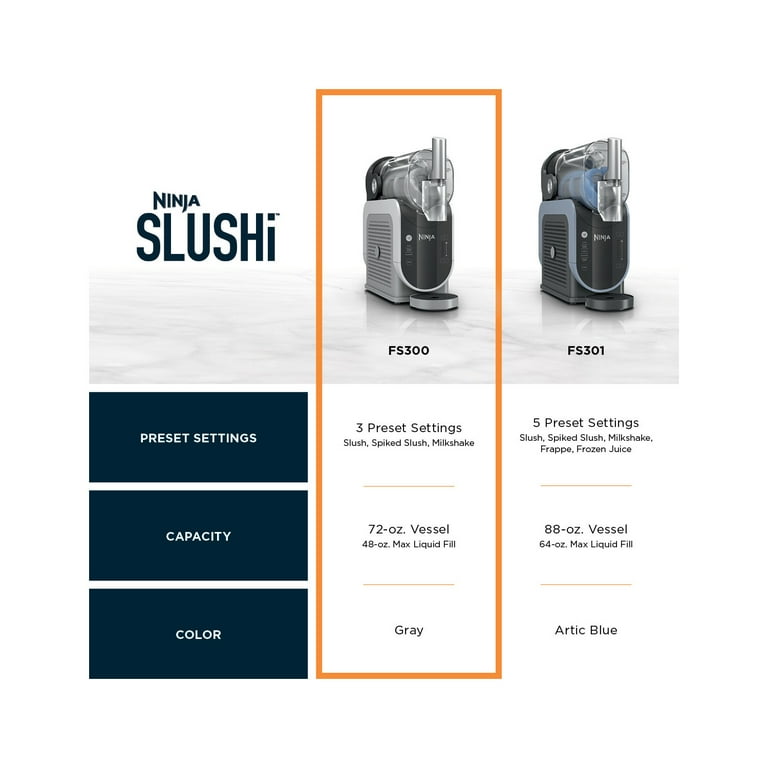
When E04 flashes immediately after pressing Start, your Ninja Slushie detects insufficient liquid in the jug—below the critical minimum fill line required for proper operation. This safety feature prevents motor burnout from running dry.
Quick Fix for Ninja Slushie E04 Error in 2 Minutes
- Add exactly ½ cup (120 ml) of cold liquid—water, juice, or milk—through the lid opening
- Ensure the mixture level sits clearly between the MIN and MAX fill lines
- Never exceed the MAX line to prevent leaks during operation
Expert Note: Using room-temperature liquid for correction works better than cold liquid, which can cause immediate re-triggering as the machine detects temperature inconsistencies.
Resetting Ninja Slushie After Power Surge Error E05
Following a brief power interruption, E05 appears as your Ninja Slushie’s internal circuitry detects voltage fluctuations that could damage sensitive components. This protection mode prevents operation until the system verifies stable power conditions.
Complete E05 Power Surge Reset Process
- Unplug your Ninja Slushie and wait 30 seconds for capacitor discharge
- Connect directly to a wall outlet—avoid power strips that may have residual surges
- Press and hold the Power button for 5 full seconds to clear the fault memory
- Restart your blending cycle normally
Critical Step: Always plug your Ninja Slushie into a dedicated circuit—not shared with high-draw appliances like microwaves—to prevent recurring E05 errors.
Recalibrating Ninja Slushie for Persistent E06 Sensor Drift Errors
Random error codes appearing despite normal operation indicate E06—internal sensors have drifted from factory calibration due to extended use or environmental factors. This commonly affects units older than 18 months with heavy daily usage.
Ninja Slushie Sensor Recalibration Sequence
- Fill the jug with exactly 2 cups (500 ml) room-temperature water
- Press and hold Power + Pulse simultaneously for 10 seconds until CAL flashes
- Allow the automatic calibration cycle to complete (60 seconds)
- Press Stop, unplug for 60 seconds, then restart normally
Prevention Strategy: Perform this recalibration monthly if you use your Ninja Slushie more than 5 times weekly to maintain sensor accuracy.
Preventing Ninja Slushie E07 Thick Mix Errors During Operation
When blade speed noticeably slows before E07 appears, your mixture has exceeded the machine’s viscosity tolerance—typically from too much frozen fruit or inadequate liquid. This isn’t a malfunction but rather an operational limit warning.
Thinning Technique for E07 Errors Without Starting Over
- Add precisely ¼ cup (60 ml) cold liquid through the lid opening while unit is OFF
- Pulse 2-3 times to reintegrate ingredients without creating overflow
- Never add more than ¼ cup at once to prevent triggering E04 low liquid errors
Pro Tip: Freeze banana chunks instead of ice for creamier texture that won’t trigger E07 errors during blending.
Fixing Ninja Slushie E08 Motor Overload With Precision Cleaning
That distinctive E08 code with loud humming indicates electrical overload—often from blocked cooling vents or internal blade resistance. Unlike E02 (overheating), E08 specifically means the motor draws excessive current during operation.
Deep Cleaning Protocol for E08 Errors
- Unplug and remove the jug assembly completely
- Use compressed air to thoroughly clear side ventilation ports
- Detach the blade assembly and soak in warm soapy water for 5 minutes
- Hand-dry all components completely before reassembly
- Test with water-only cycle before making actual drinks
Warning: Never operate with wet components—moisture in electrical contacts causes permanent damage that voids warranty coverage.
Handling Ninja Slushie E09 Communication Faults Effectively
Flickering display with unresponsive controls and persistent E09 indicates internal communication failure between control board and motor—usually from moisture ingress or loose connections. This is the most serious error code users can encounter.
User-Level E09 Troubleshooting Steps
- Unplug for 2 full hours to allow any internal moisture to evaporate completely
- Wipe exterior connections with isopropyl alcohol on cotton swab
- Test with different power outlet to rule out electrical interference
When to Stop: If E09 returns after these steps, contact Ninja support immediately—this typically requires professional board replacement covered under warranty.
Daily Ninja Slushie Maintenance to Prevent 90% of Error Codes
Most Ninja Slushie errors stem from preventable maintenance issues rather than component failures. Implement this simple routine to dramatically reduce error code occurrences:
- Rinse blade assembly immediately after each use before residue hardens
- Wipe lid sensor tab dry with microfiber cloth after cleaning
- Verify fill levels sit between MIN/MAX lines before every cycle
- Store jug off base unit to relieve pressure on motor seal
- Keep lid slightly ajar when stored to prevent sensor cavity condensation
Time-Saver: Keep this error code guide taped inside your kitchen cabinet—you’ll resolve most issues in under 60 seconds without searching online.



